

Admin
Set up your academic structure
Create the academic year, then the grades and sections your school offers.
5 min
- 1
Add the academic year
Go to Settings → Academic years → New. Name it (e.g. 2026-27), set start/end dates, and mark it Active. Only one year is active at a time.
- 2
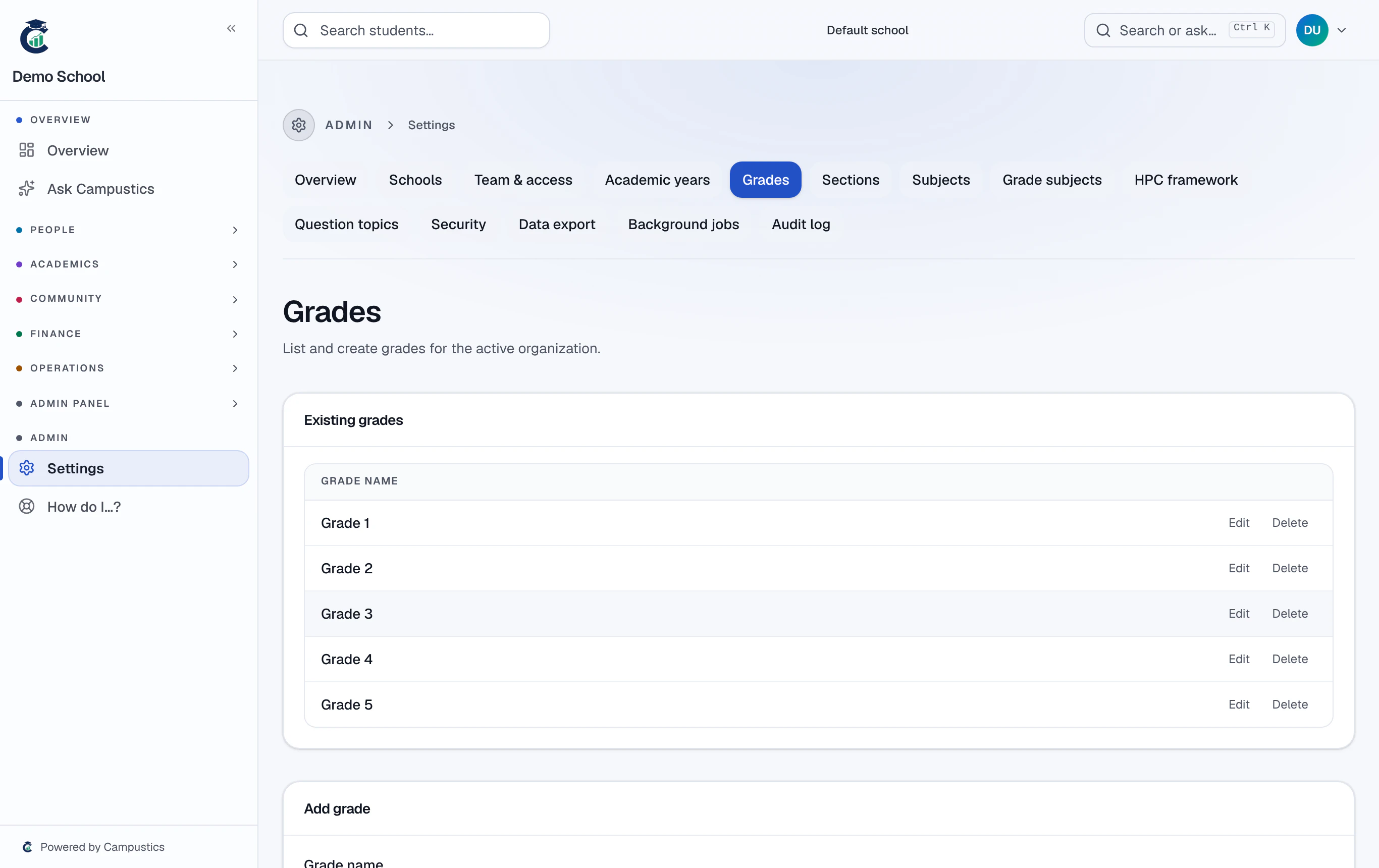
Add your grades
Go to Settings → Grades and add every grade top to bottom (Nursery, LKG … Grade 12). Add a display-order number so they sort correctly.
- 3
Add sections
Go to Settings → Sections and add each section under its grade, with a capacity. Class teachers are assigned later from the class page.
Grades and sections drive everything else — enrolment, attendance, exams. Get them right once at the start.