

Admin
Brand your school
Replace the generic logo and colours so parents and staff see your school.
3 min
- 1
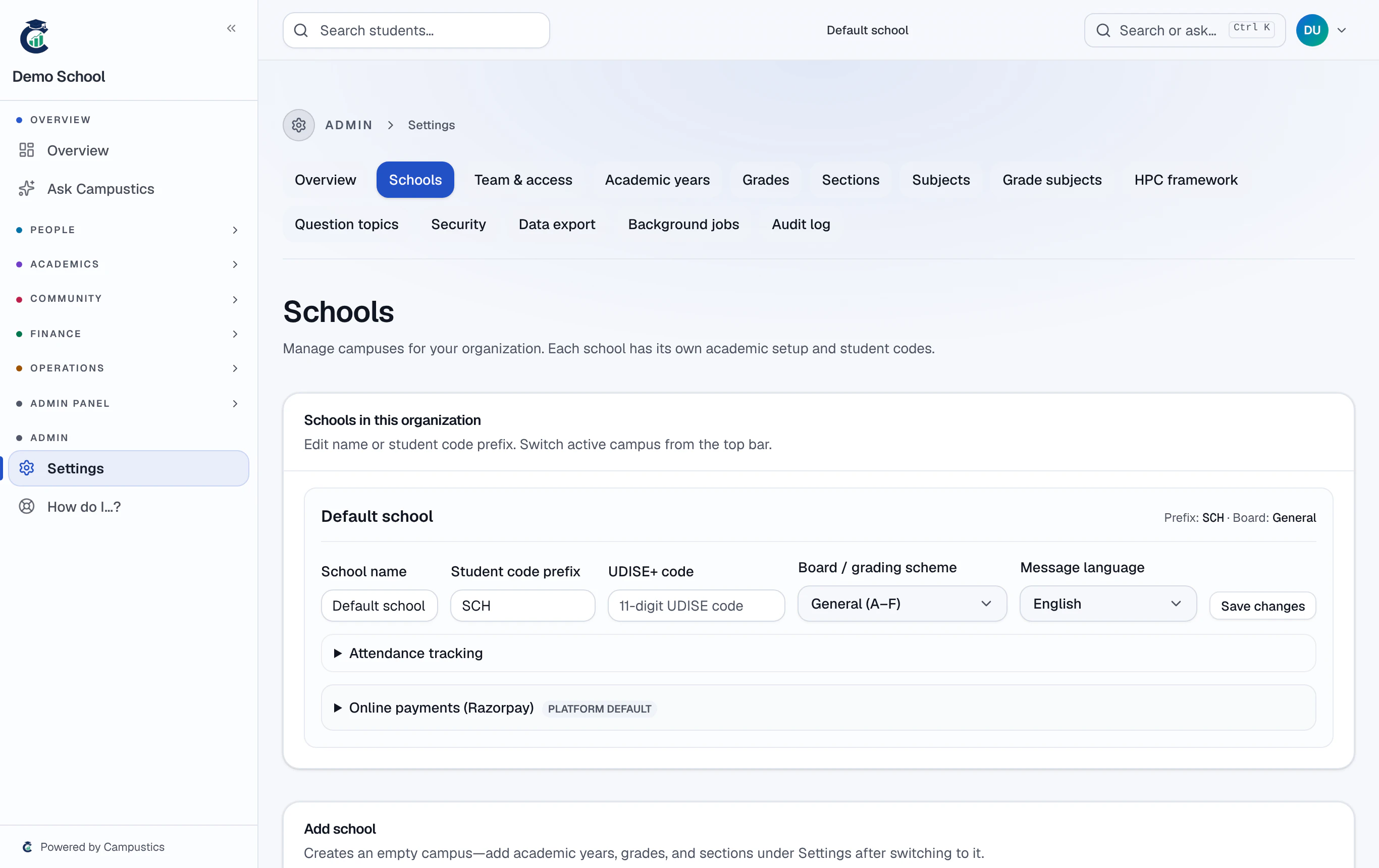
Open Settings → Schools
Go to Settings → Schools, open your school, and click Edit.
- 2
Fill in name, prefix, board, and logo
Set the full name, short brand name, student-code prefix (e.g. SXM → SXM-2026-0001), the board / grading scheme, and upload a square logo plus your colours.
The board / grading scheme (CBSE, ICSE, Karnataka State, or General) decides how percentages become grades on report cards. Existing cards keep the scheme they were made under, so switching later is safe.
- 3
Save and refresh
Save, then refresh — the sidebar logo, topbar, and every print template now use your branding. Each campus can have its own logo and prefix.