

Admin
Add subjects and map them to grades
List every subject, then tick which grades offer each — and assign default teachers.
3 min
- 1
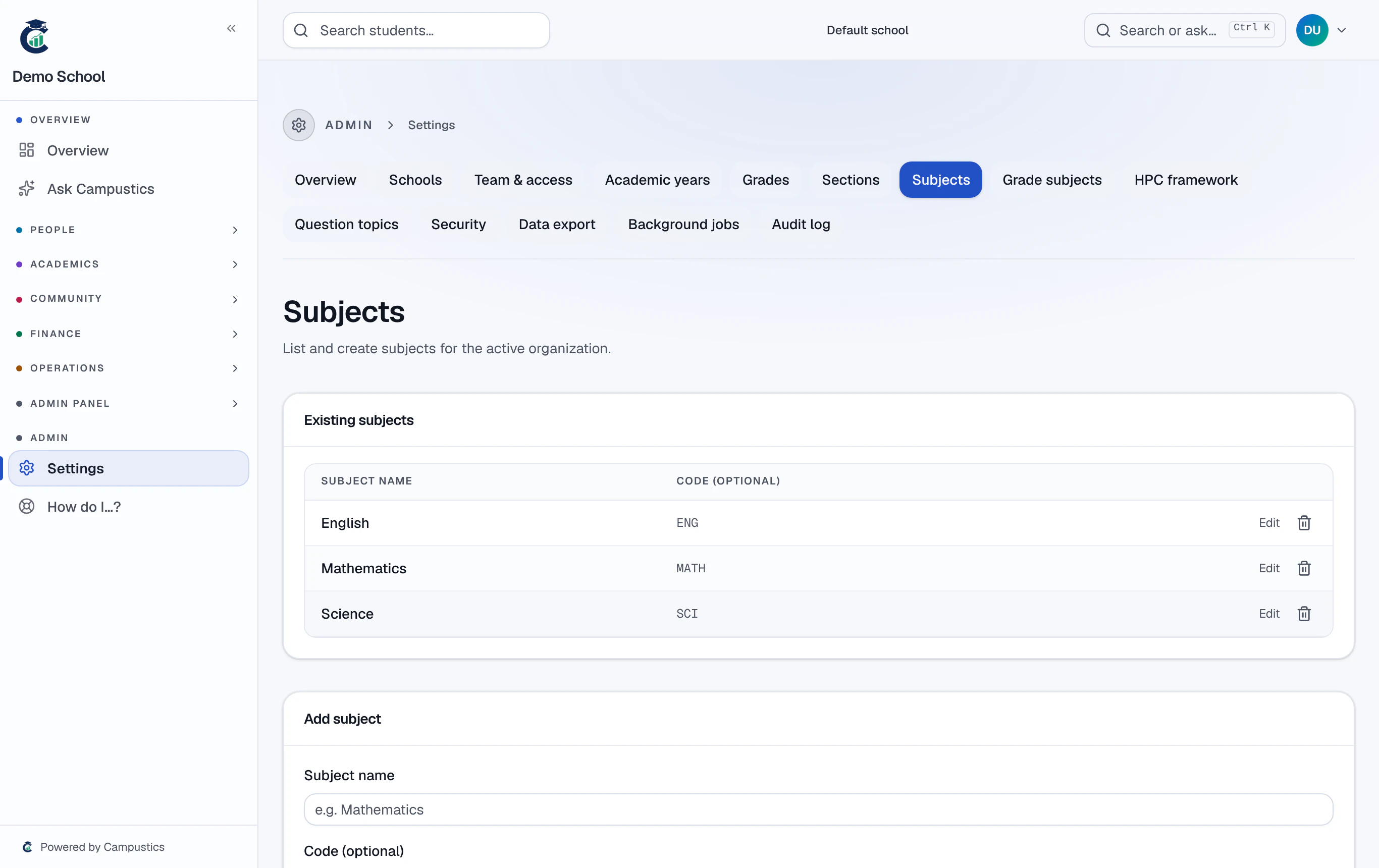
Add your subjects
Go to Settings → Subjects and add every subject taught anywhere (English, Mathematics, Science, and so on).
- 2
Map subjects to grades
Go to Settings → Grade subjects and tick which subjects each grade offers. Assign a default teacher per (grade, subject) once staff exist.
Exam creation, report cards, and the AI question bank all read this mapping — set it once and the rest of the year auto-fills.