

Teacher
Set assignments and lesson plans
Give homework, track who submitted, and plan your syllabus by date.
4 min
- 1
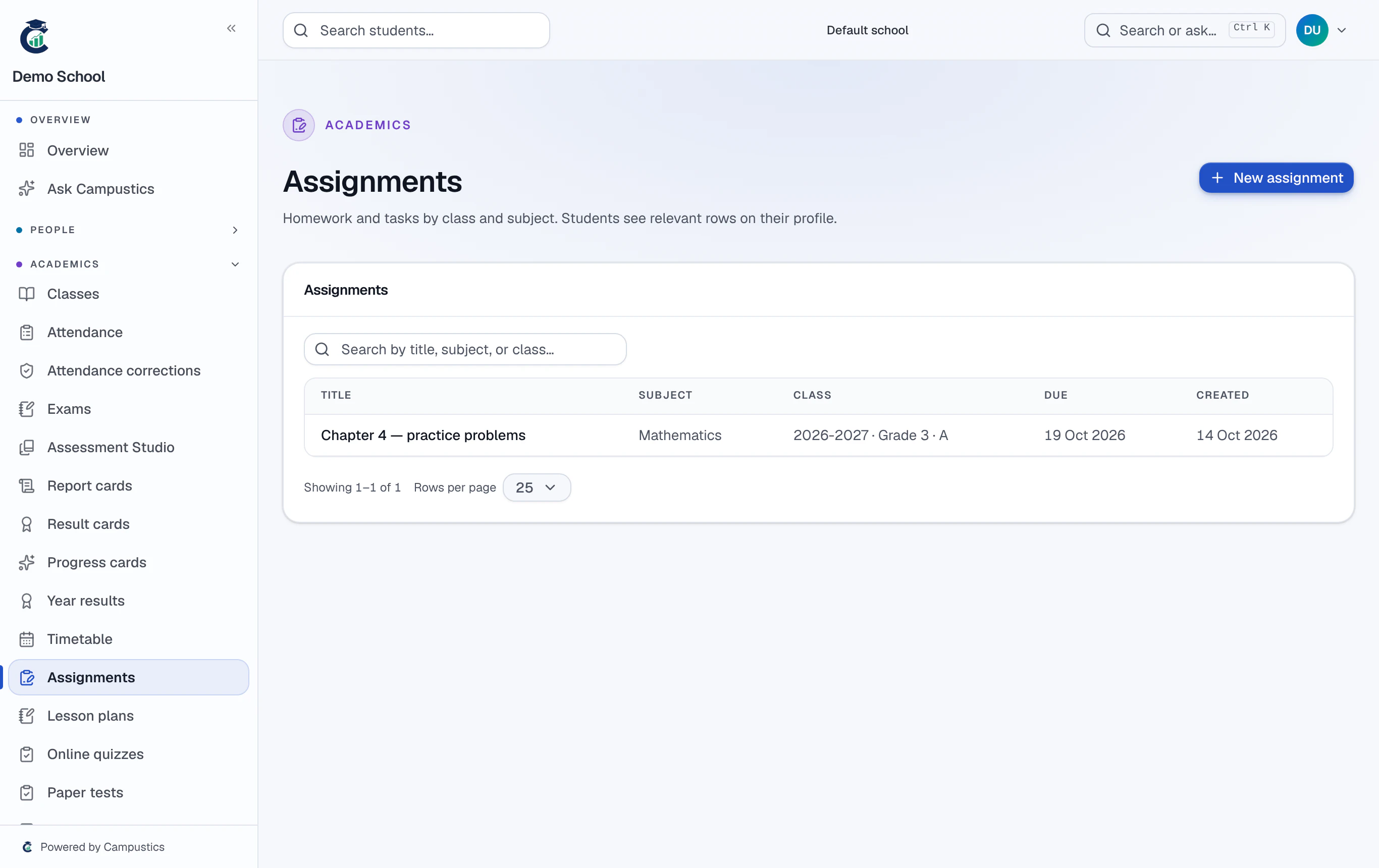
Create an assignment
Go to Assignments → New and set the class, subject, due date, and instructions.
- 2
Track submissions
Students submit from their portal; the submission tracker shows submitted / late / missing per class, and you grade inline.
Students see pending assignments on their dashboard, so nothing slips through.
- 3
Plan your lessons
Use Lesson plans to map syllabus chapters to dates and mark them complete — the principal can see progress at a glance.