

Admin
Build a class timetable
Lay out each class's weekly periods, and cover absent teachers with substitutions.
8 min
- 1
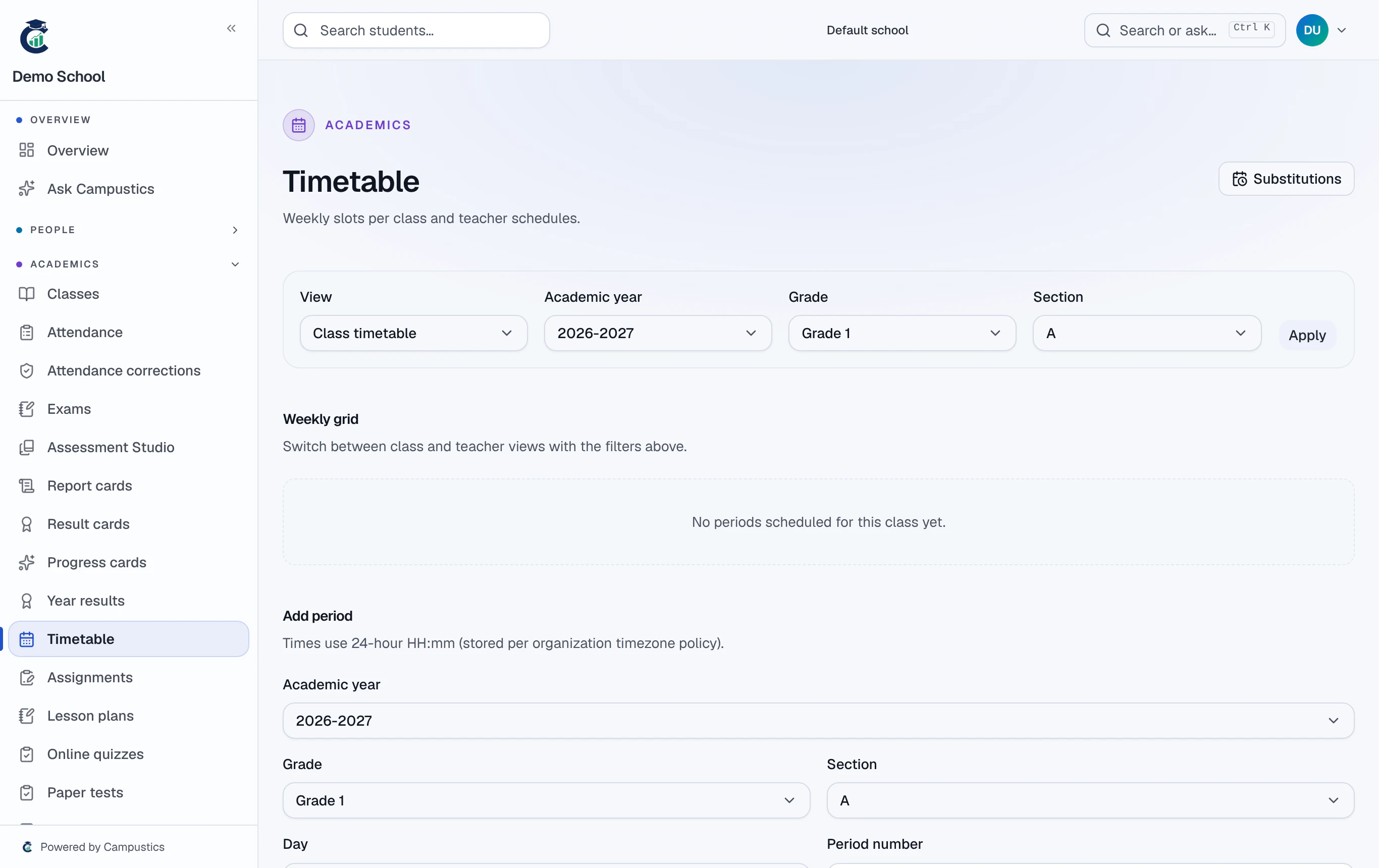
Open Timetable
Go to Timetable and pick the class. Add each period with its day, time, subject, and teacher.
- 2
Fill the week
Add periods across the week. If a teacher is double-booked at the same time in another class, Campustics flags the clash as you go.
- 3
Cover an absent teacher
When a teacher is out, open Timetable → Substitutions, pick the absent teacher and day, and Campustics ranks free teachers for each of their periods.
Substitution suggestions put subject-matched, already-on-campus teachers first.