

Teacher
Run an online quiz
Build a quiz from the question bank and let students attempt it on their portal.
5 min
- 1
Build a quiz
Go to Quizzes → New and pick questions from the question bank.
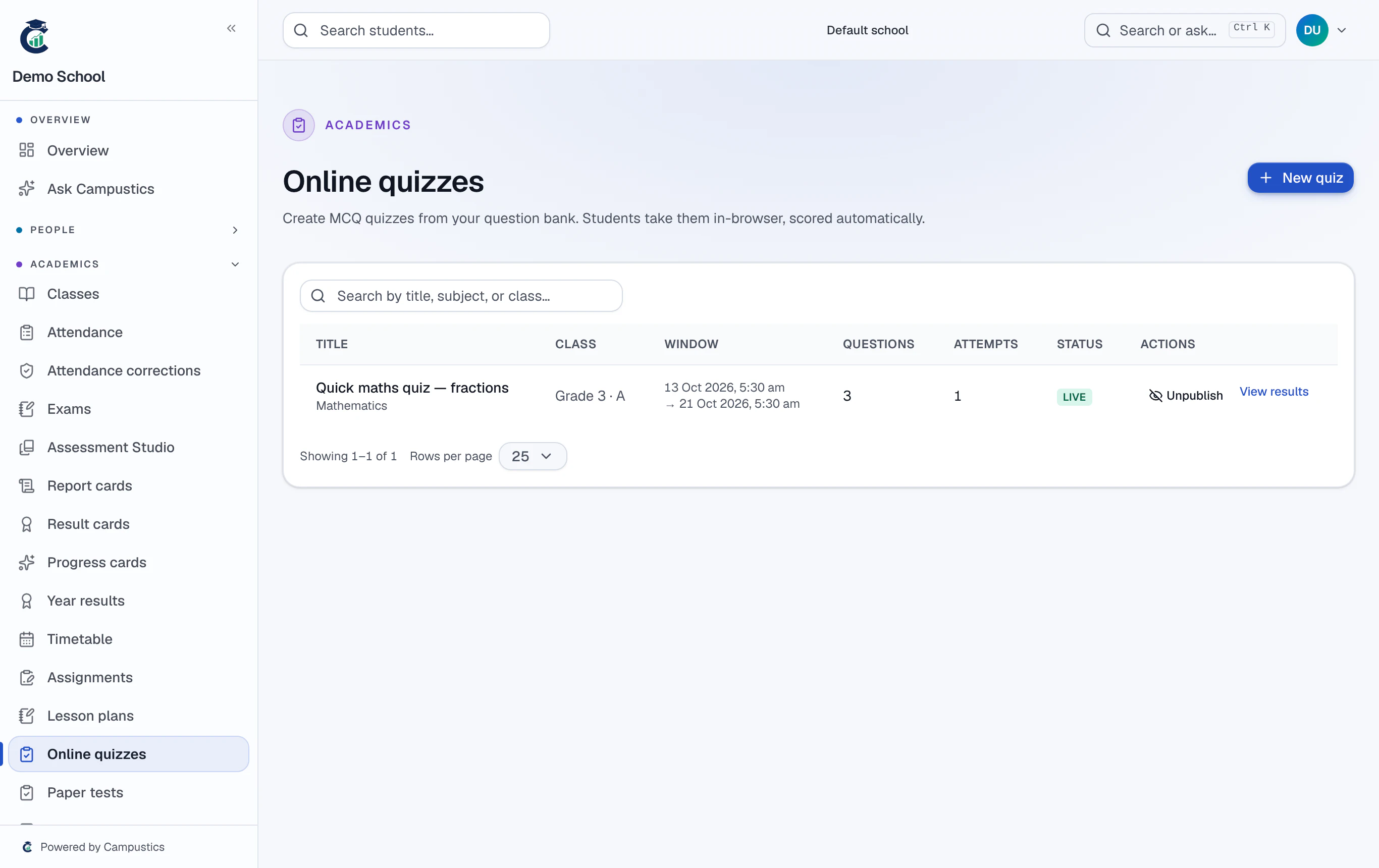
- 2
Set the window
Set the date and time window during which students can attempt it.
- 3
Students attempt on their portal
Students take the quiz from their portal and results are collected automatically.
Optional proctoring (webcam + tab-switch detection) flags possible malpractice.