

Accountant
Send a pay link
Parents pay from a link in the fee reminder — no sign-in needed.
2 min
- 1
Links go out in reminders
When your school takes online payment, every fee-reminder SMS and email carries a link. The parent taps it, sees the child's dues and presses Pay; the receipt is sent as usual.
Pay links need online payments connected first — Settings → Schools → Online payments.
- 2
Send one yourself
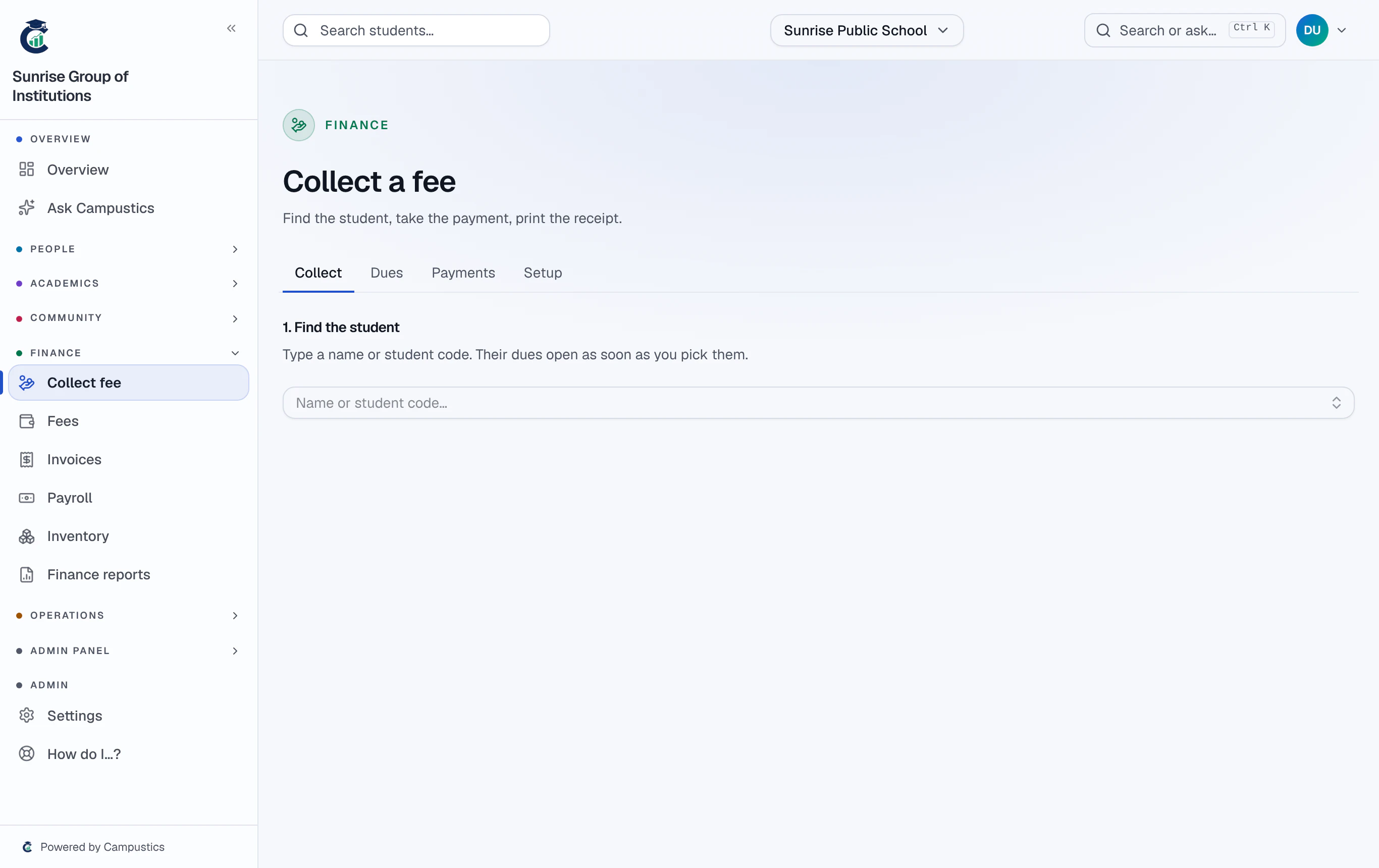
On Finance → Collect fee, open the student and press Pay link. Copy it, or choose Send on WhatsApp to send it from the office phone with the message already written.
- 3
What the parent sees
Only the child's first name, class and dues, and a Pay button. A link works for five weeks.
Automatic reminders are off until you switch them on, on the fee desk's Setup tab → Automatic fee reminders.