

Accountant
Export fees to Tally
- 1
Map your ledgers
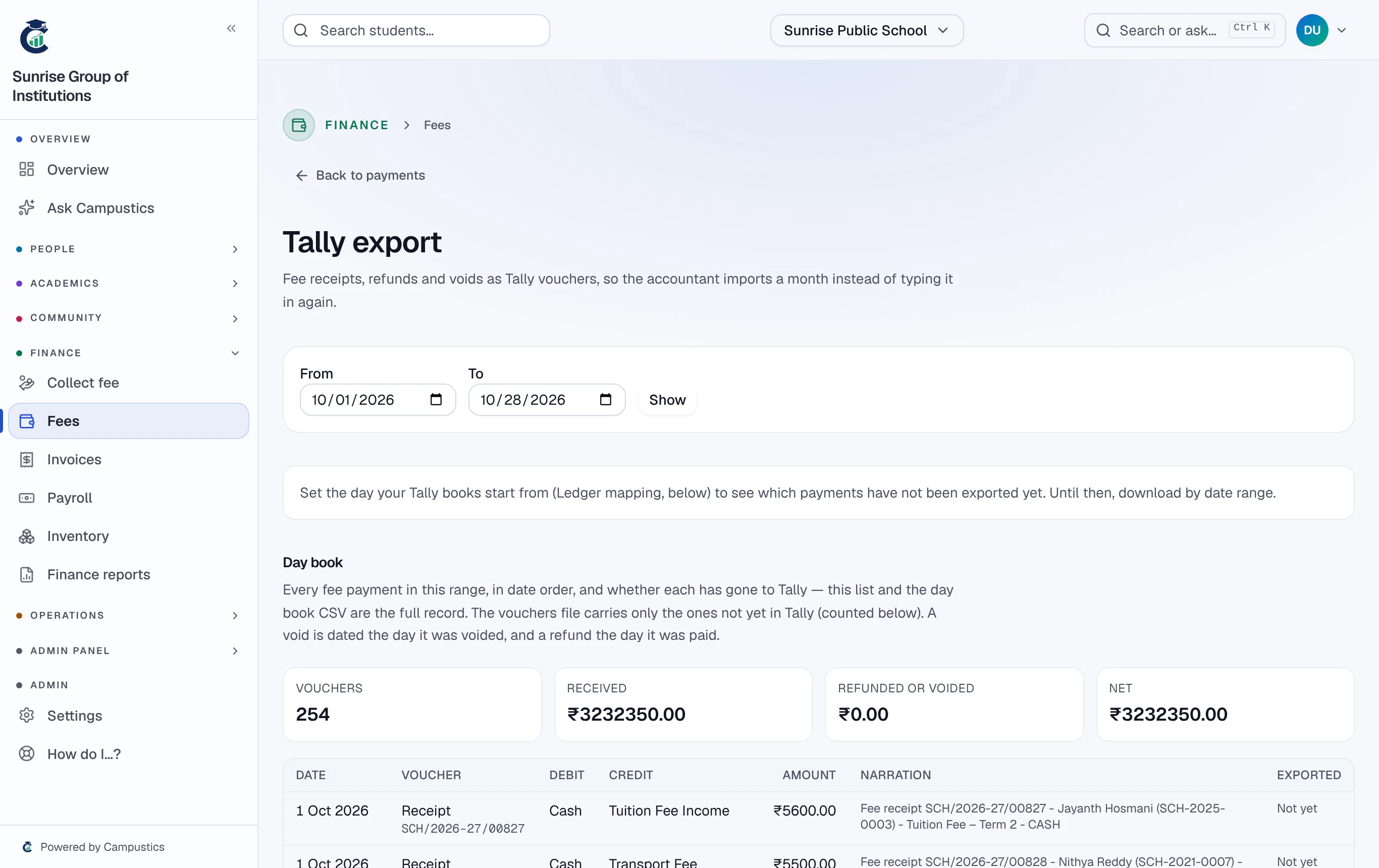
Open the fee desk → Payments → Tally export. Under Ledger mapping, name the cash and bank ledgers for each payment method, and set Tally books start from to the first day you have not typed into Tally yourself.
- 2
Import the ledger masters
Download Ledger masters (XML) and import it in Tally under Gateway of Tally → Import → Masters. Do it again after adding a fee head or changing a ledger name.
Before your first vouchers, set Tally's Import → Configuration → 'Overwrite voucher when a voucher with same GUID exists' to Yes, so a file sent twice never doubles your receipts.
- 3
Import the vouchers
Download Vouchers not yet in Tally (XML) and import it under Import → Vouchers. Receipts arrive as Receipt vouchers; refunds and voids as Payment vouchers. Downloading the same month twice cannot double it.
- 4
Tick it off
The day book lists every receipt, refund and void with its ledgers and whether it has gone to Tally. Download it as CSV to tick off against Tally.
If Tally refused a file (a ledger name it doesn't have, say), correct the name, then press Tally rejected this file — its payments go back to not yet exported.