

Accountant
Fee heads, concessions and late fines
- 1
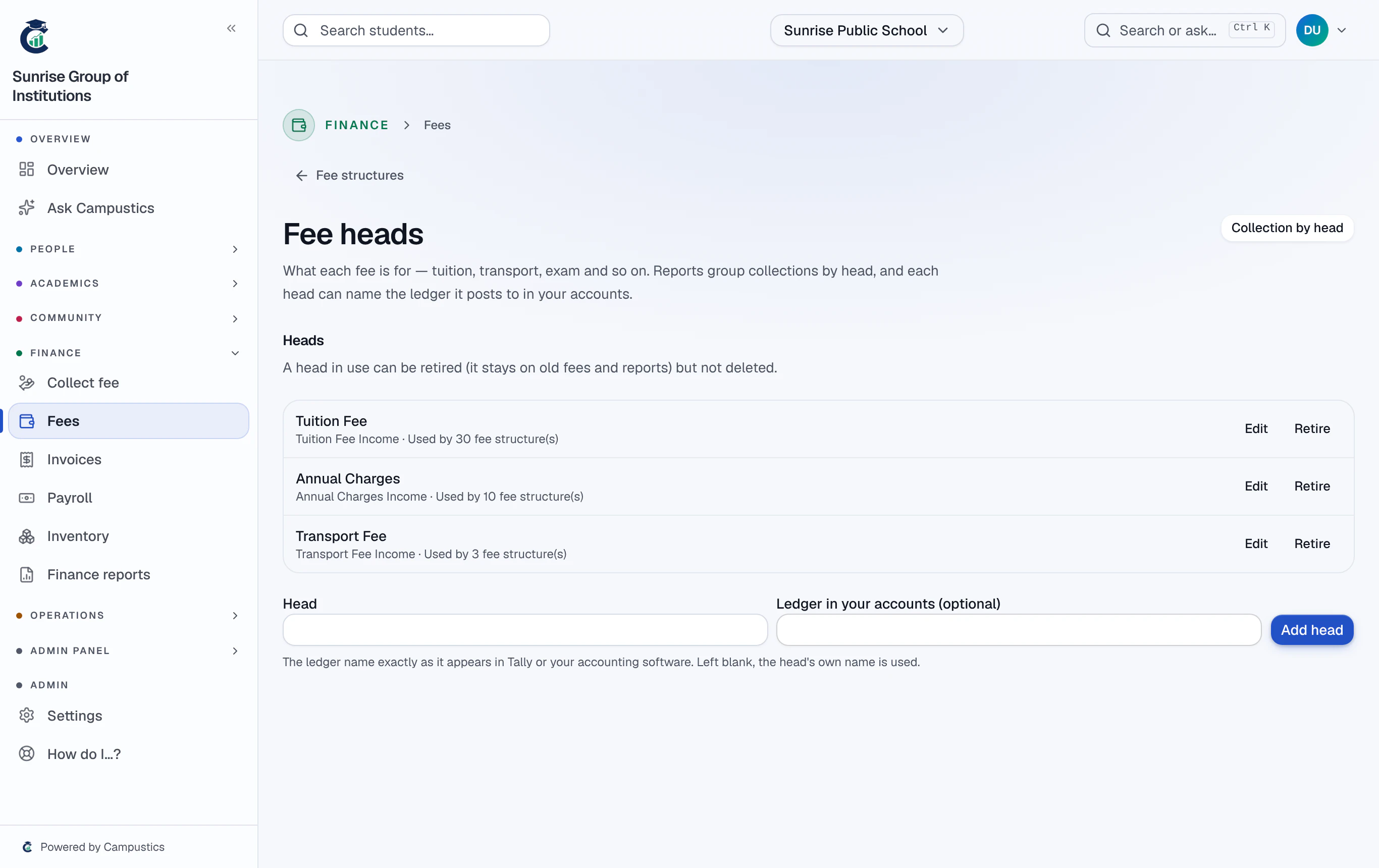
Add fee heads
Go to Fees → Fee structures → Fee heads. Add the usual heads fills in nine common ones (Tuition, Transport, Exam…). Pick a head on each fee structure, and Reports → Finance shows collections per head.
- 2
Set a late fine
On a fee structure, choose no fine, a fixed fine once, or a fine for each day late — with grace days and an optional cap. It is added every morning to fees still owed after the due date and grace days, and stops once the fee is paid.
Lowering fines families already owe — a smaller amount, more grace days, switching it off — waives them for everyone at once, so it needs the fee-concession permission.
- 3
Give a concession
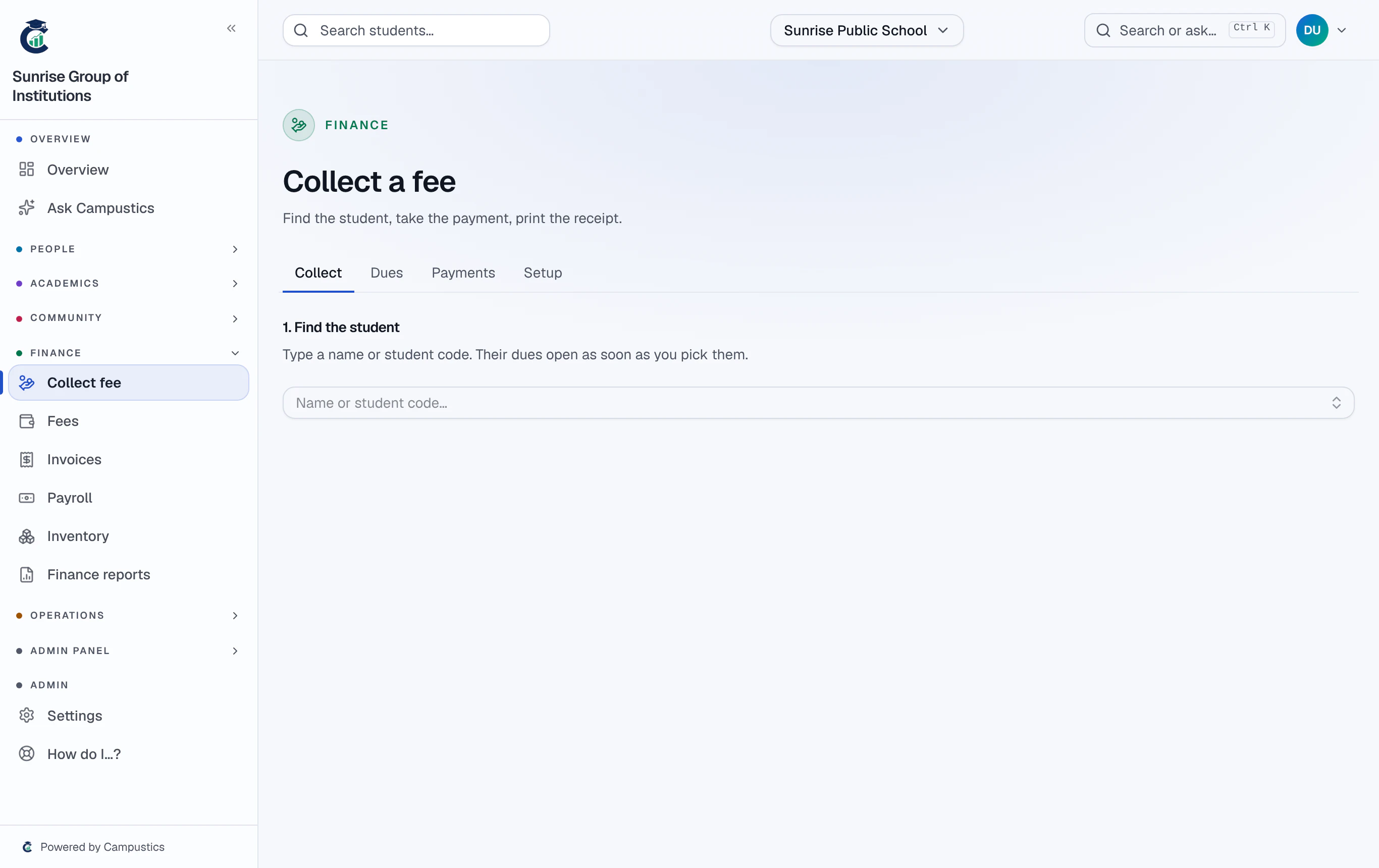
On Finance → Collect fee, pick the student. Under a fee, give a concession — Sibling, Staff ward, RTE, Scholarship, Merit, Financial help or Other — as a % of the fee or a ₹ amount, with a reason. The balance drops at once.
- 4
Waive or withdraw
Waive late fine, with a reason, removes what is left of a fine and stops it growing. Withdraw puts a concession back; the record of it stays.
Concessions and waivers need the FEES_CONCESSION permission — collecting fees alone doesn't let someone lower what a family owes. Every change is in the audit log.