

Accountant
Raise an ad-hoc invoice
Bill anything outside regular fees — uniforms, books, transport — and record payment.
4 min
- 1
Start a new invoice
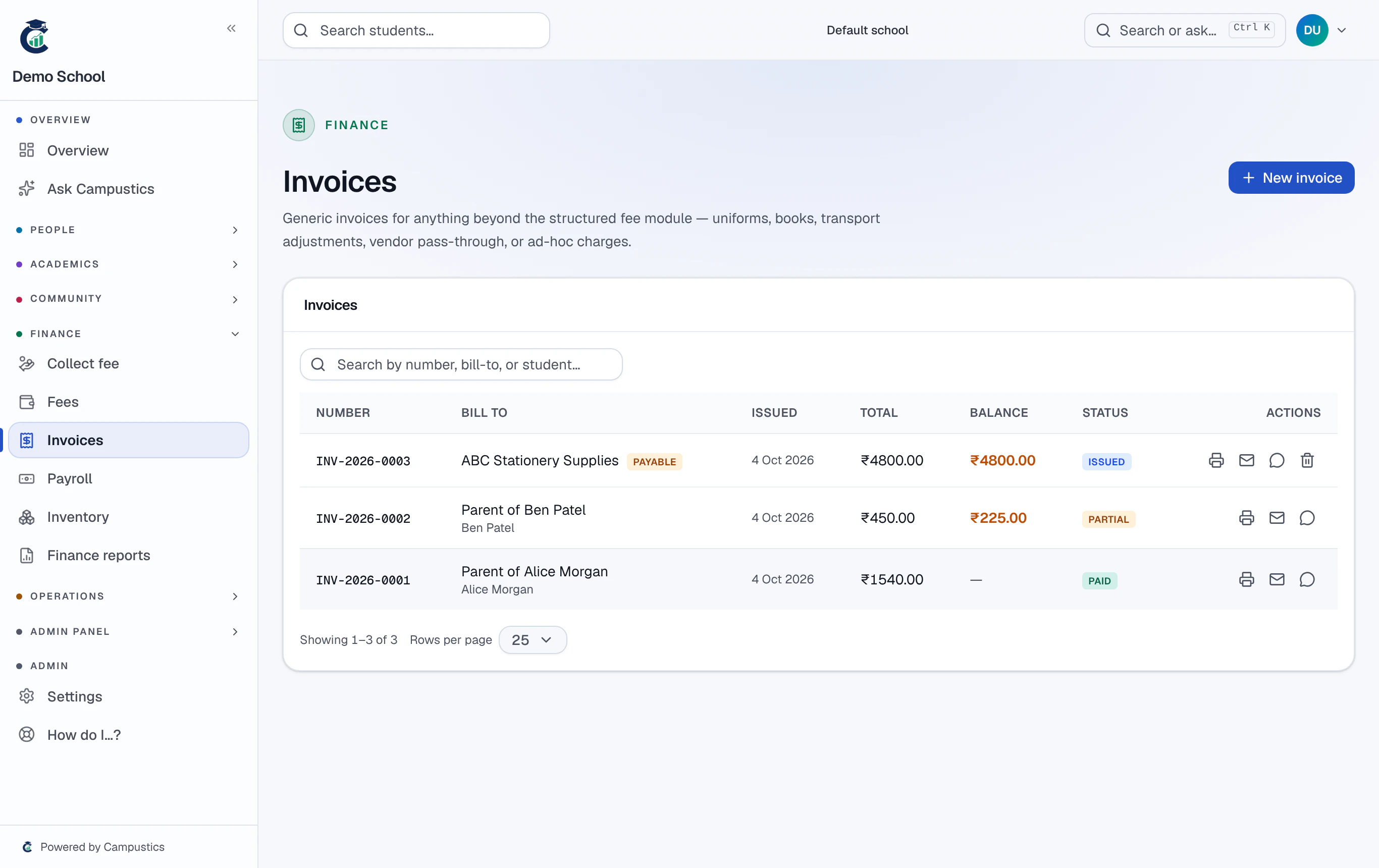
Go to Invoices → New invoice. Fill the bill-to name (optionally link a student) and add line items — the sub-total updates live.
- 2
Add tax or discount, then create
Optionally add a tax rate or a flat discount, then Create invoice. It's numbered automatically (INV-2026-0001).
- 3
Record payment and share
Record a full or partial payment — the status moves Draft → Issued → Partial → Paid on its own. Print, save as PDF, or share on WhatsApp.