

Admin
Promote students to the next year
Move a whole class up a grade at year-end in one action.
3 min
- 1
Open Promote
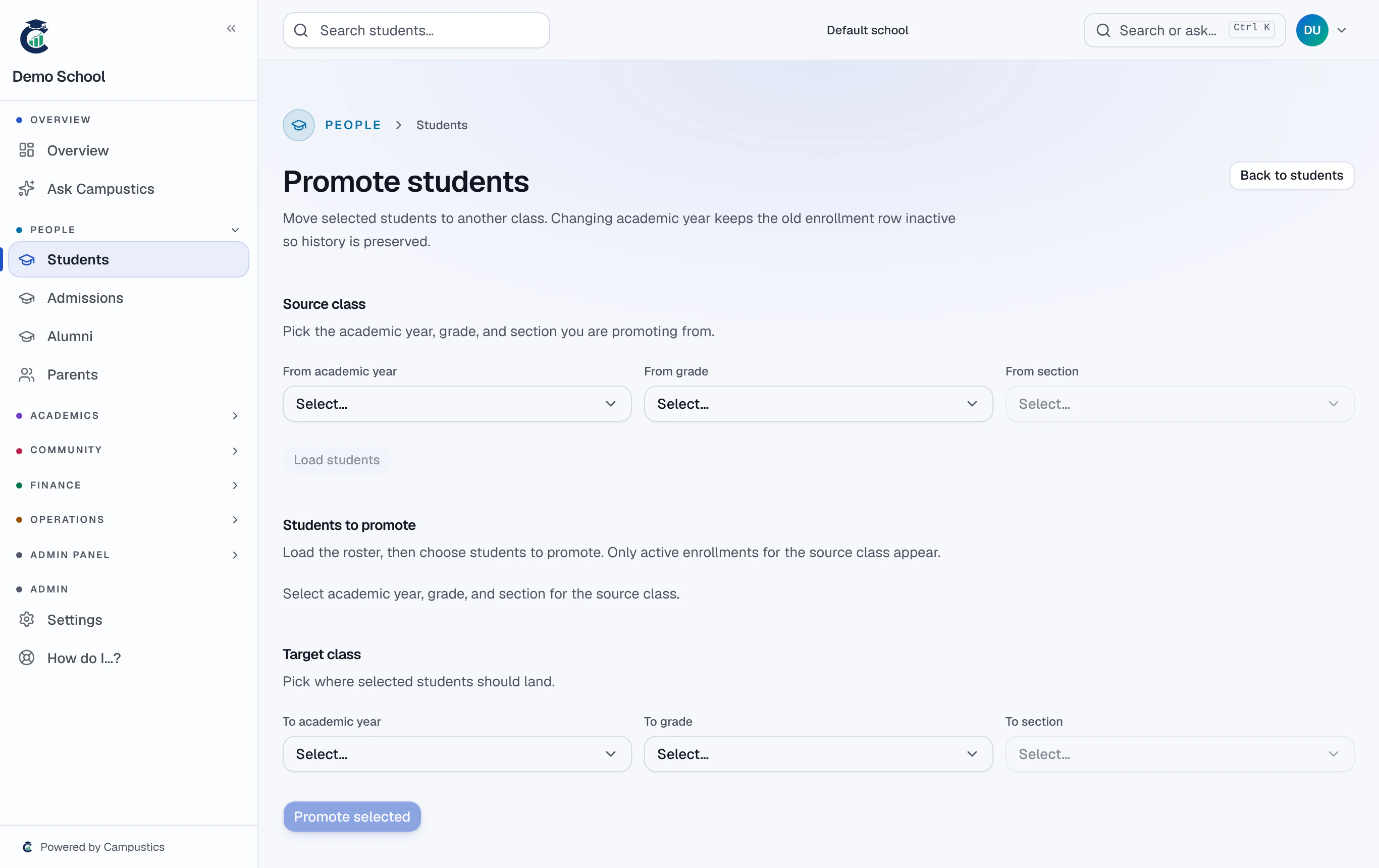
Go to Students → Promote. Pick the academic year, grade, and section to load the class.
- 2
Choose the target and confirm
Pick the next grade/section for the class and confirm. New enrolments are created for the new year; passed students move up.
Run this AFTER you've published year results, so PASS/FAIL is settled before students move up. Use Transfer on a profile to move a single student instead.