

Admin
Publish yearly results (PASS / FAIL)
Roll up each student's final-exam total into a PASS or FAIL for the year.
3 min
- 1
Load the class
Go to Year results, pick the academic year + grade + section, and click Load class. The roster appears with each student's total and percentage from the FINAL exam.
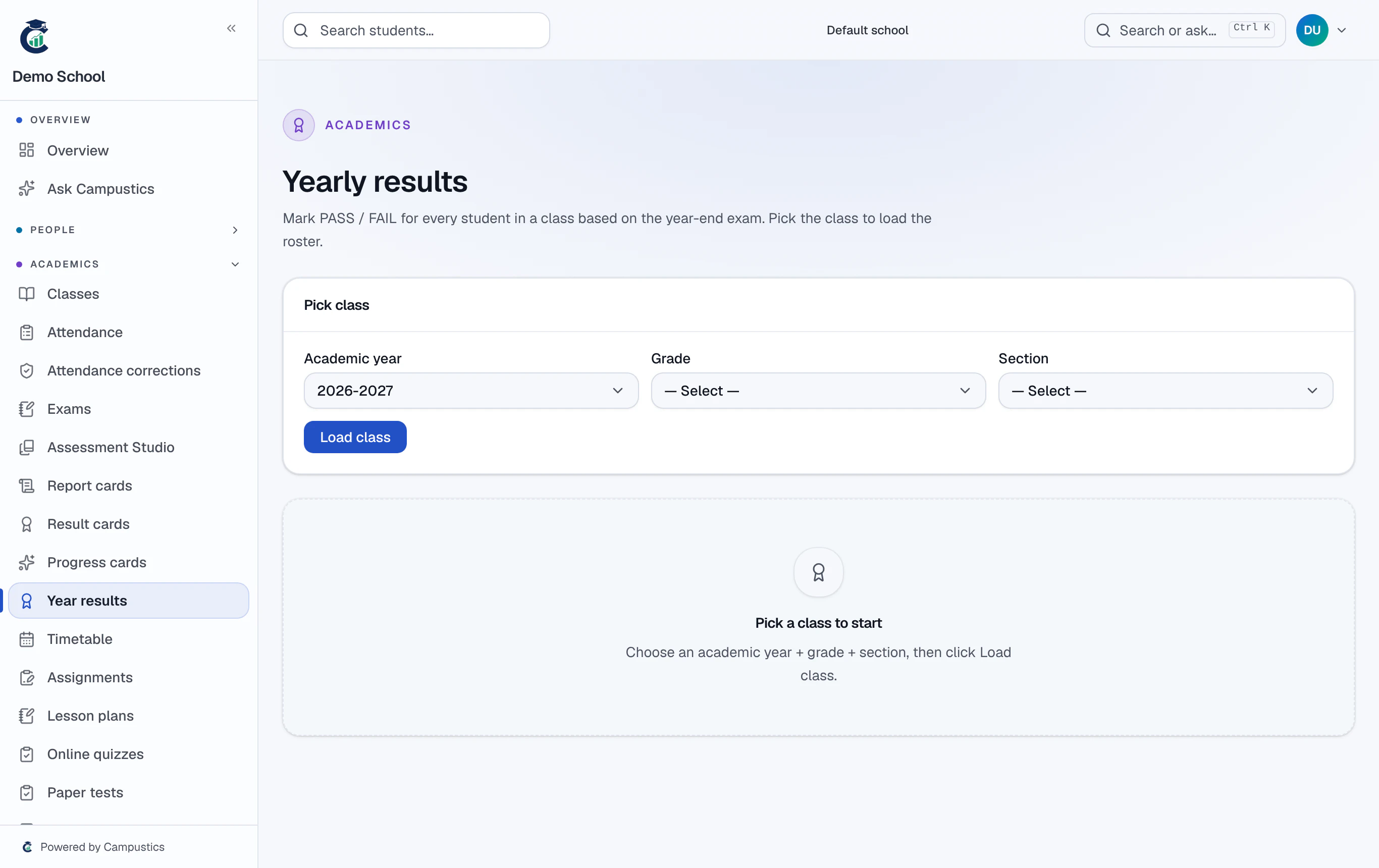
- 2
Auto-fill and adjust
Click Auto-fill from marks — every row gets PASS or FAIL by the pass threshold. Adjust individual rows and add remarks as needed.
- 3
Save
Click Save year results to write the result for the class.
Do this before promoting students, so the roll-up decides who moves up.