

Admin
Add or import students
Enter one student, bulk-import a CSV, or collect them via your public admission form.
3 min
- 1
Add one, or import many
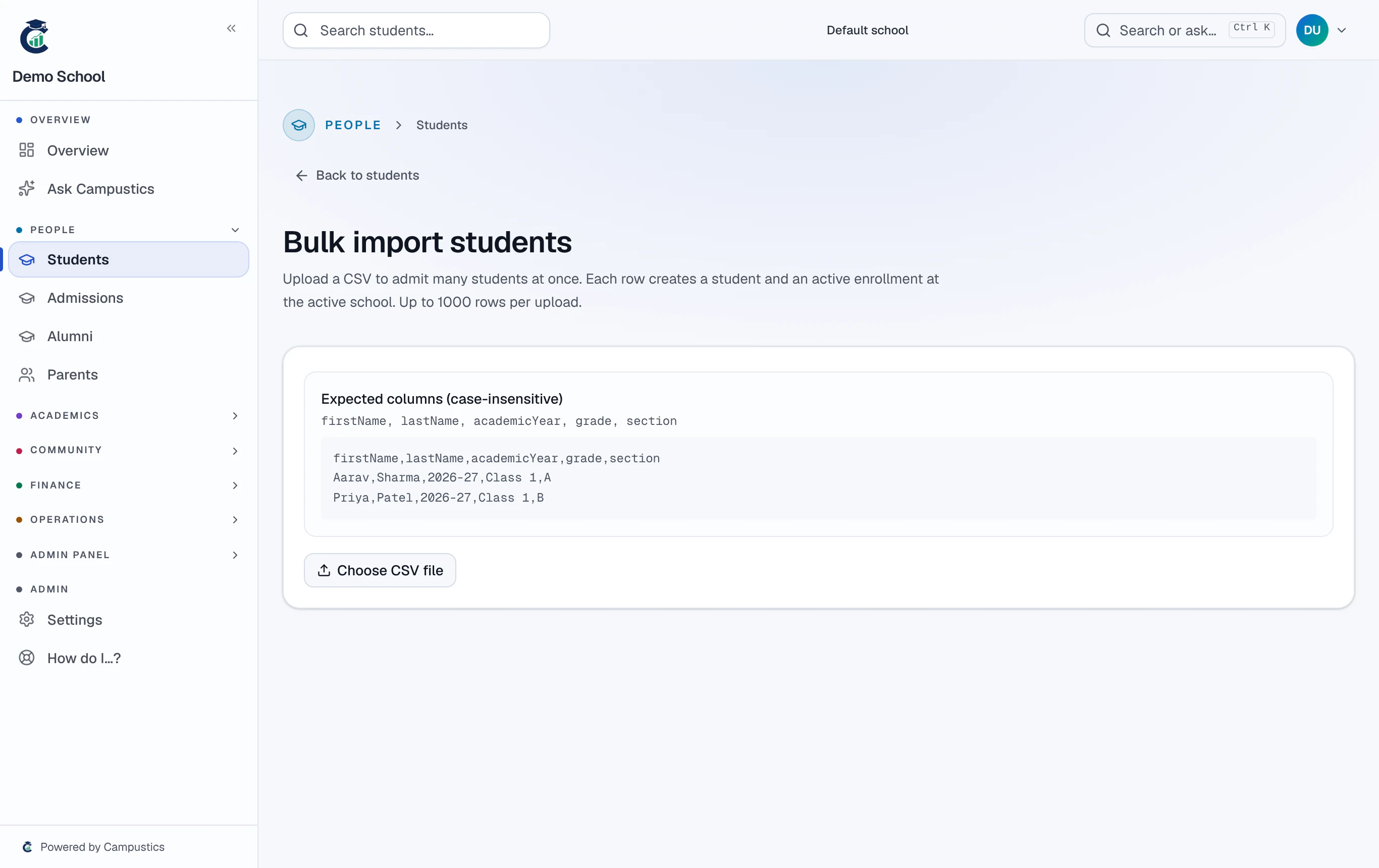
Use Students → Add student for a single entry, or Students → Import to upload a CSV of many at once.
- 2
Or open the public form
Share your public link (campustics.com/apply/your-school) with parents — their submissions land in Admissions for you to accept.
Bulk import is fastest at the start of the year; the public form is best for ongoing enquiries.
- 3
Add photos later
Open any student's profile to upload a photo — it's auto-resized, so a phone picture is fine.