

Admin
Move your data from another system
- 1
Set up classes and sections first
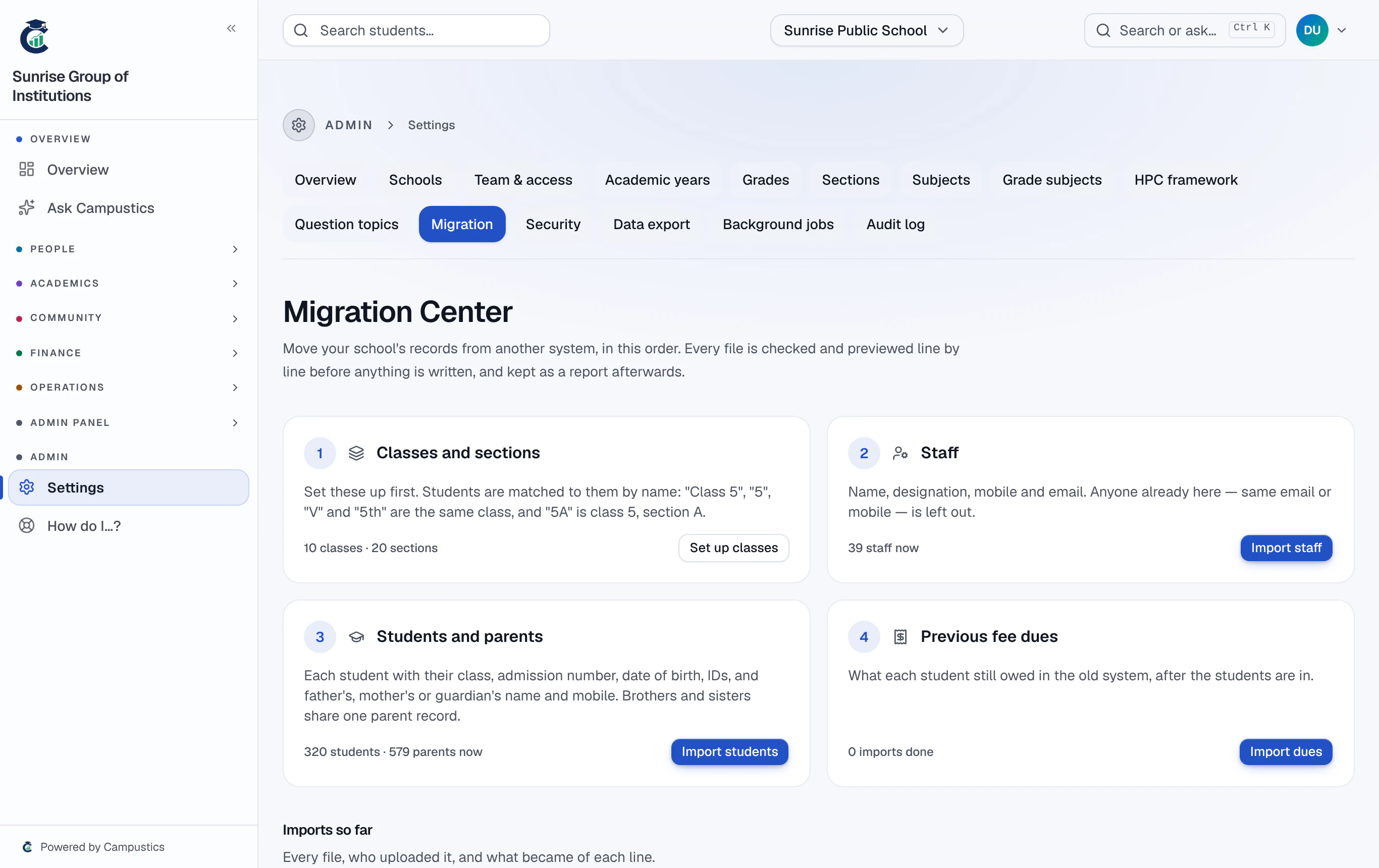
Students are matched to classes by name, so create them under Settings → Grades first. 'Class 5', '5', 'V' and '5th' are the same class, and '5A' or '5-A' is class 5, section A.
- 2
Upload a CSV
Go to Settings → Migration and upload staff first, then students with their parents. Save your old system's export as CSV from Excel — up to 5,000 lines a file.
- 3
Check every line
Nothing is written until you press Import. The page shows which column feeds each detail — change any and press Apply and check again — and marks every line Ready or Not importable, with the reason.
Lines not imported (CSV) downloads the refused lines in your own columns, with the reason, to fix and upload again.
- 4
Import, then previous dues
Import adds the ready lines in one go: students get their codes and join their class, and brothers and sisters with the same parent mobile share one parent record. Bring last year's unpaid fees in with Fees → Opening balances.