

Admin
Give a parent portal access
Create a parent login so families can see attendance, marks, fees, and circulars.
2 min
- 1
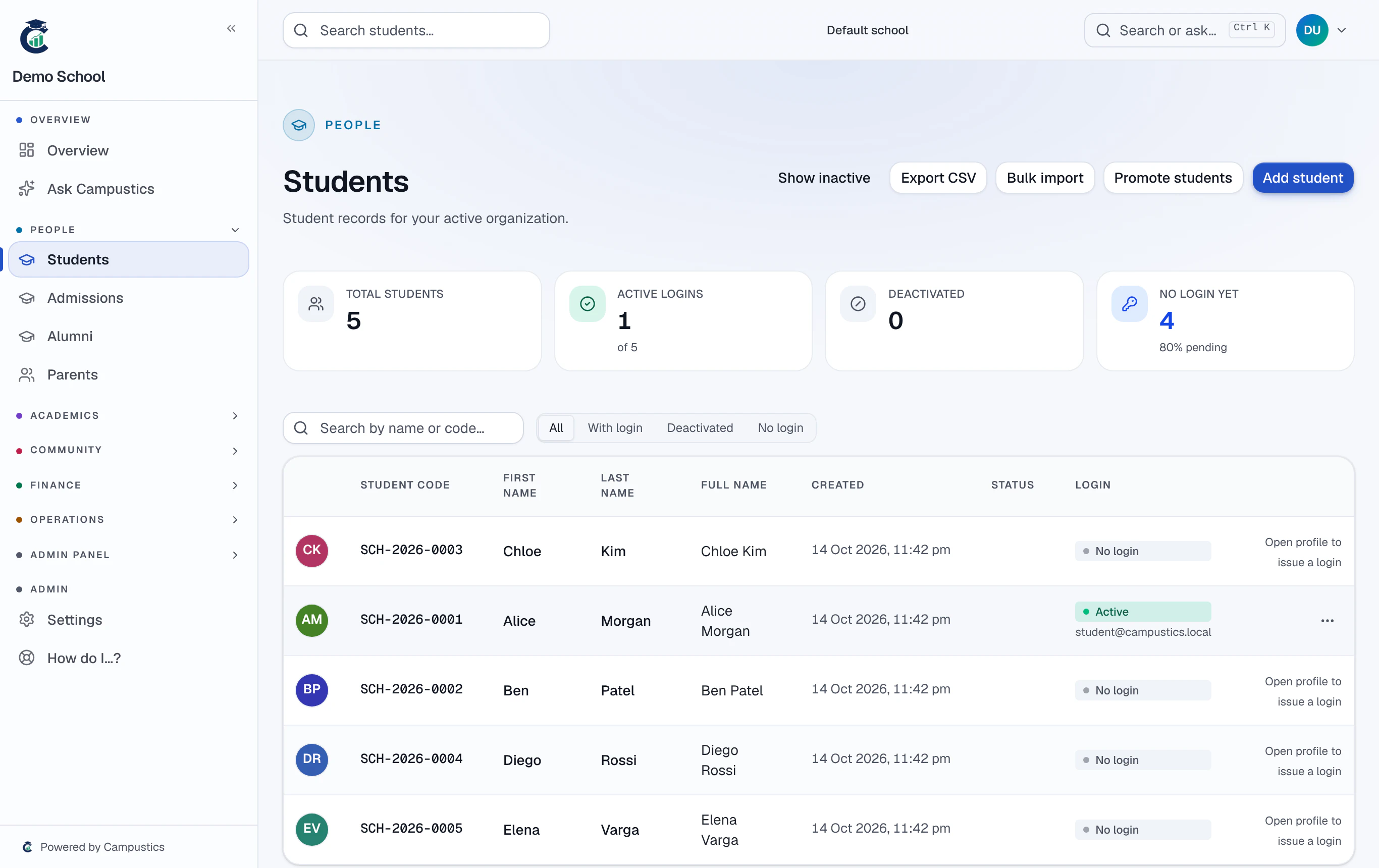
Open the student's profile
From Students, open the child's profile and find the Parents / guardians section.
- 2
Add or link the parent
Add the parent's details (or link an existing parent). Use Create login to generate their portal credentials.
- 3
Share the login
The parent signs in at the same school URL and lands on the parent portal for their child.
One parent account can be linked to several children — siblings show up under a single login.