Admin
Admit a student from an enquiry
- 1
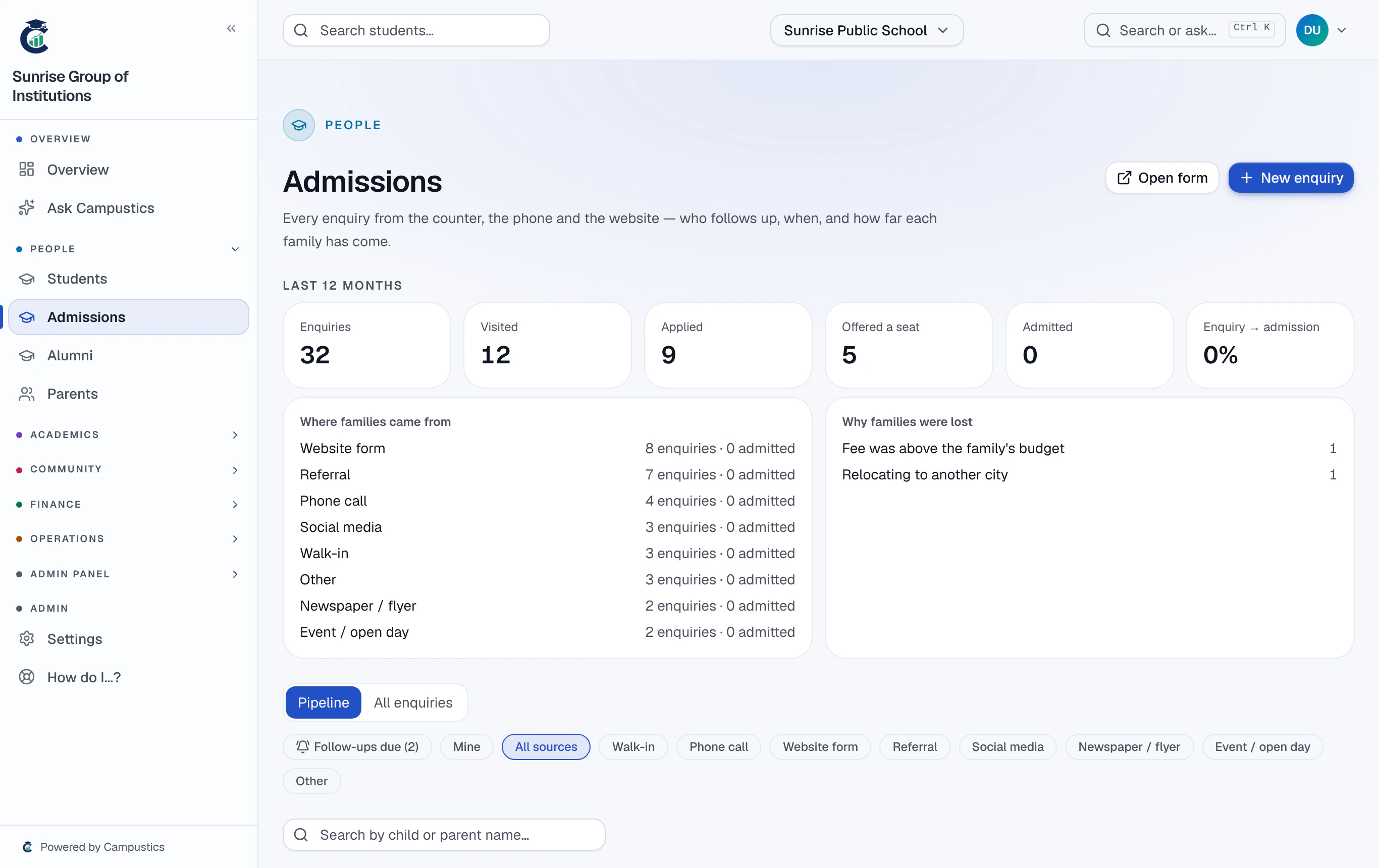
Open the admissions board
Go to Admissions. Each column is a stage — New, Contacted, Visit booked, Visited, Applied, Accepted, Fee paid. Enquiries from your public admission form arrive marked Website form.
- 2
Add a walk-in or phone enquiry
Click New enquiry and enter the child's and parent's names, the phone number, the grade, and how they heard of you.
If an open enquiry already has the same phone number, you're told — choose Add anyway (another child) for a second child.
- 3
Follow up
Open a card and work the steps it shows: call, campus visit, then the application and documents — send the family a link to fill in on their phone, fill it in together at the counter, or record a paper form. Check each document (or ask for it again with a reason), approve the application, and the next step opens.
Follow-ups that fall due appear on the dashboard's Needs attention panel.
- 4
Admit as a student
Once an enquiry is Accepted or Fee paid, click Admit as a student: the student, their enrolment and the parent are created together. A family you lose goes to Lost, with a reason.