

Anyone
Reset a forgotten password
Request a reset link from the sign-in page — valid for one hour.
2 min
- 1
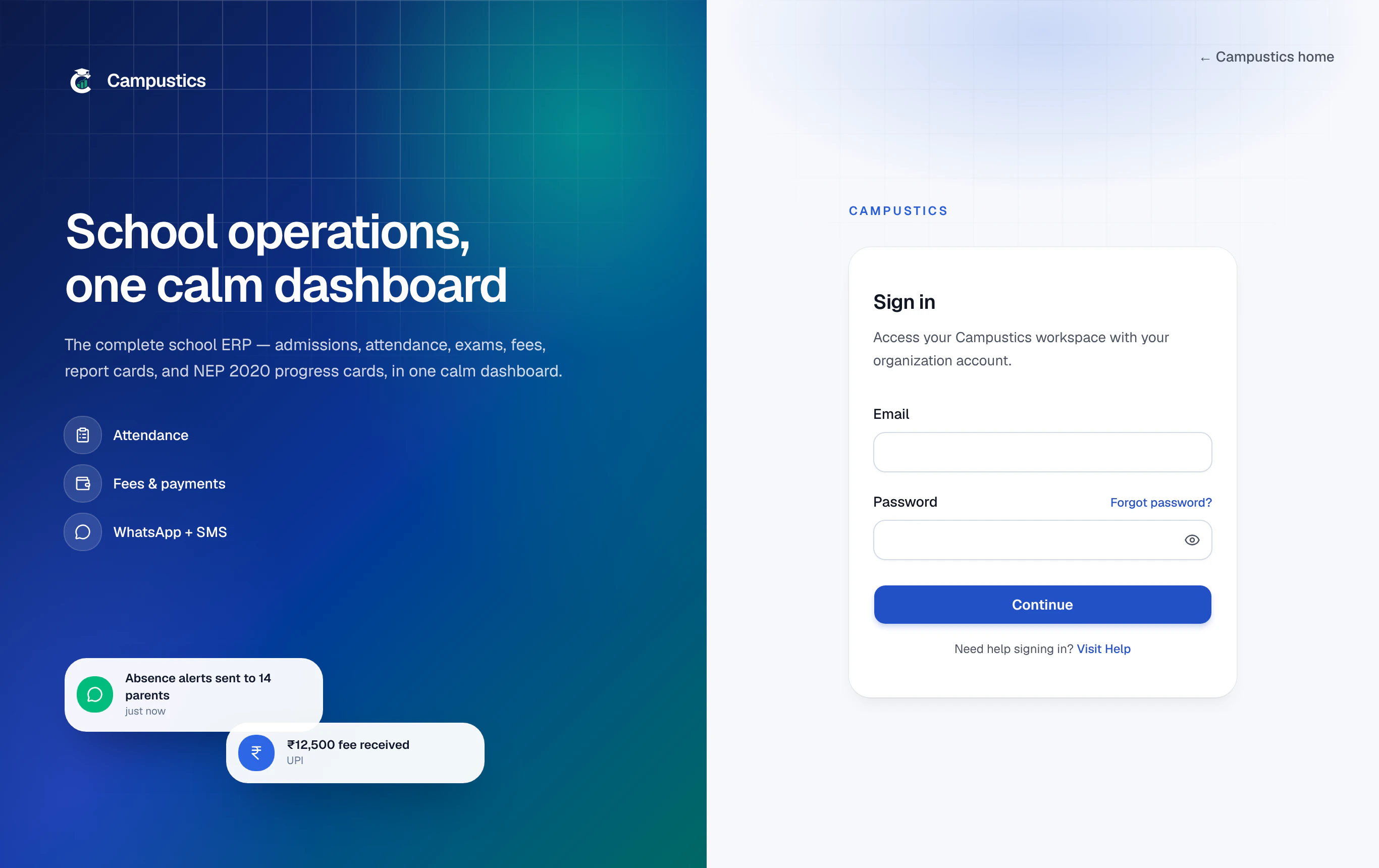
Click 'Forgot password?'
On the sign-in page, click the Forgot password? link below the password field.
- 2
Enter your email
We email you a reset link that's valid for one hour. Open it and choose a new password.
- 3
Internal logins are reset by your admin
If your login is an internal address like SCH-2026-0001@students.local or 9876543210@parents.local, the email can't reach you.
Ask your school office to reset it — there's a Reset password button on every row of the Students and Parents pages.