

Accountant
Set up fees and record a payment
Create a fee structure, assign it to a class, and record a payment with a printable receipt.
5 min
- 1
Create a fee structure
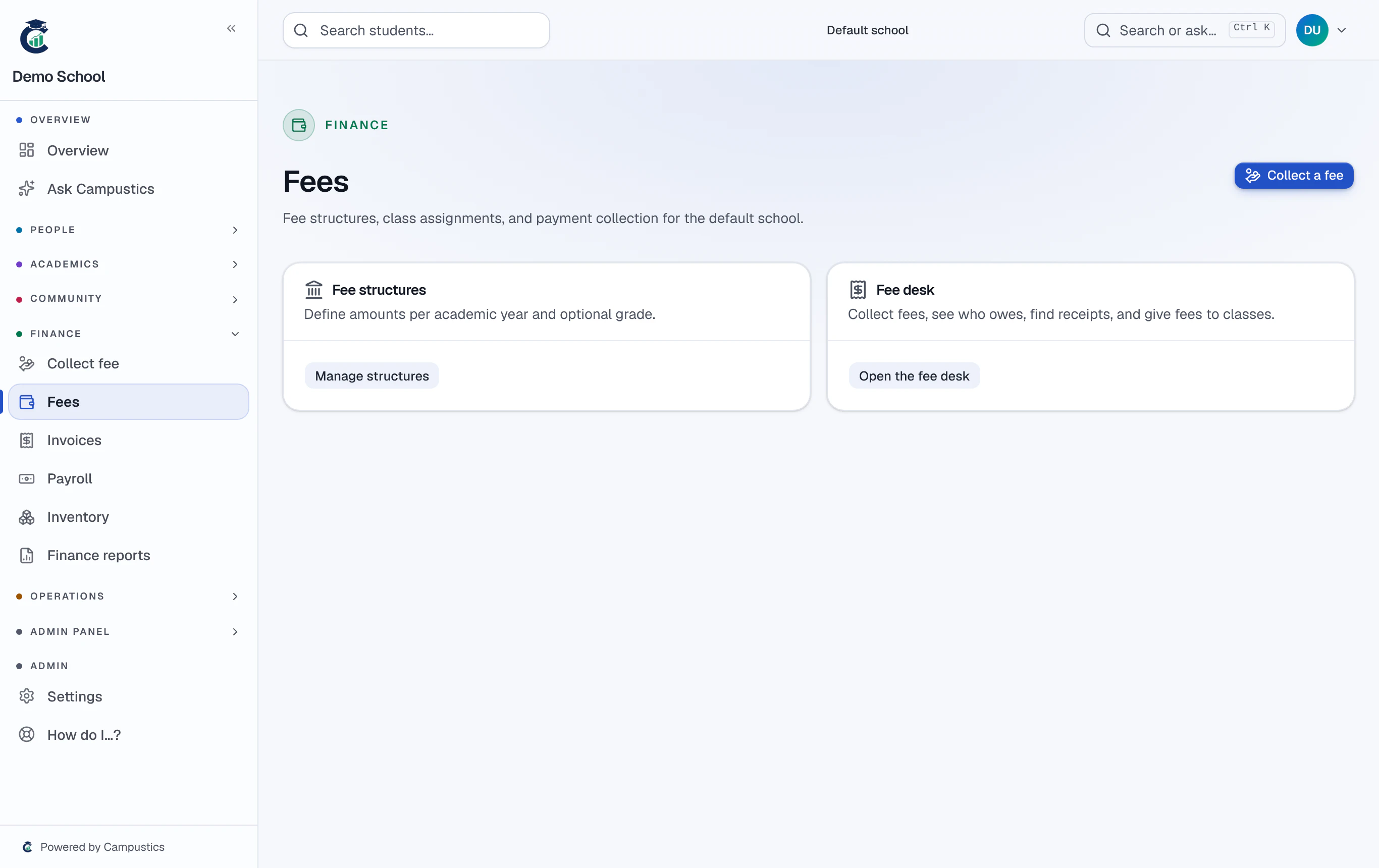
Go to Fees → Structures and add a structure with its instalments. Assign it to a class to create a fee row for every active student.
- 2
Record a payment
Go to Fees → Payments and record an offline payment against a student. Overdue amounts refresh automatically on the dashboard.
Online payments (Razorpay) appear on the parent portal once your school connects its own payment keys under Settings → Schools.
- 3
Print the receipt
Click any payment and choose Print / save as PDF for an A4 receipt with your school header.