

Teacher
Enter marks and publish report cards
- 1
Create the exam
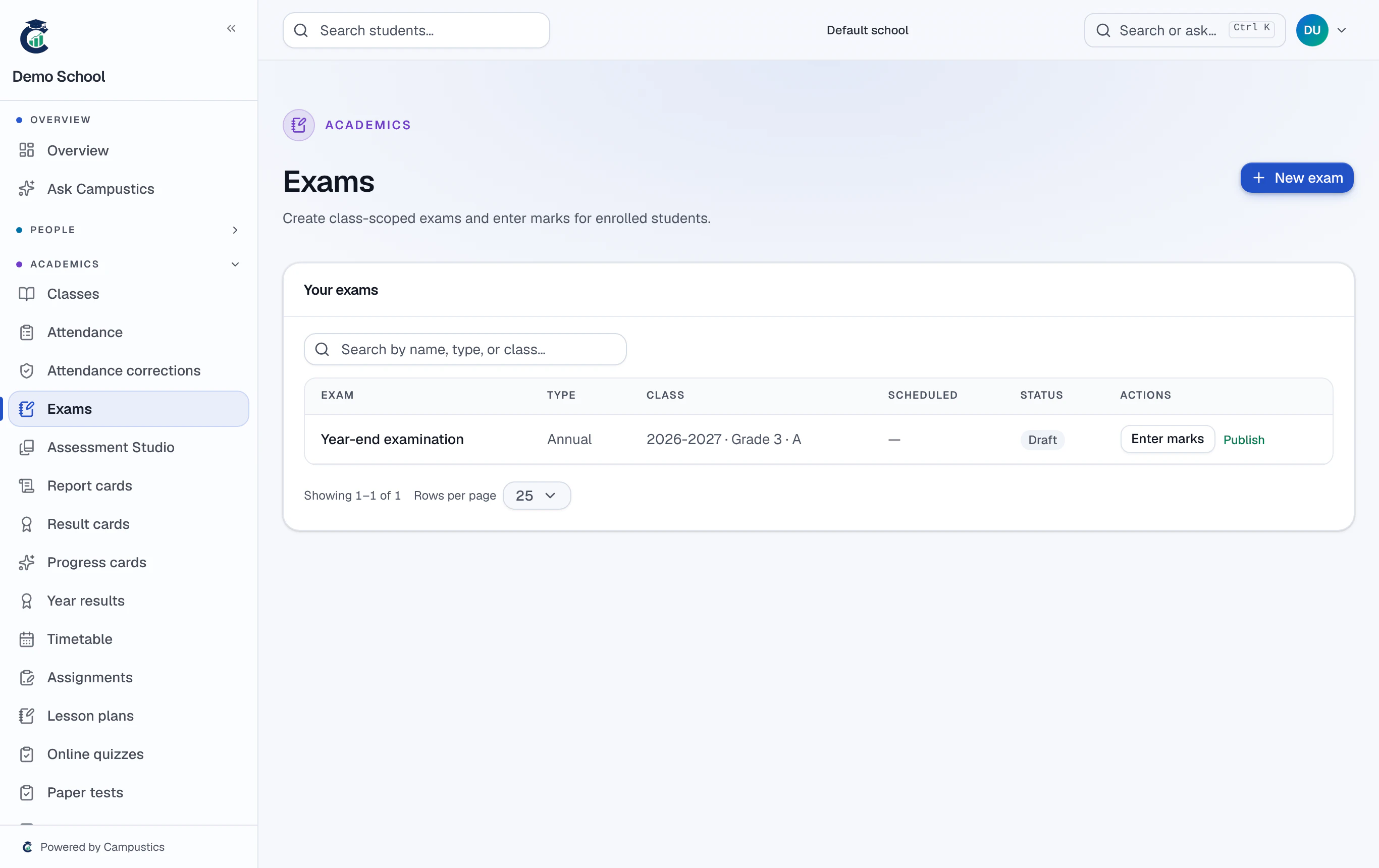
Go to Exams → New exam, pick the class, exam type, and date, then click 'Load grade subjects' to auto-fill the subject papers with max and pass marks.
- 2
Enter marks
Open the exam's Marks grid and type each student's score. You can also export a CSV, mark offline, and re-import it.
Every change is versioned under Marks → History, so there's a full audit trail if a mark is ever questioned.
- 3
Generate report cards
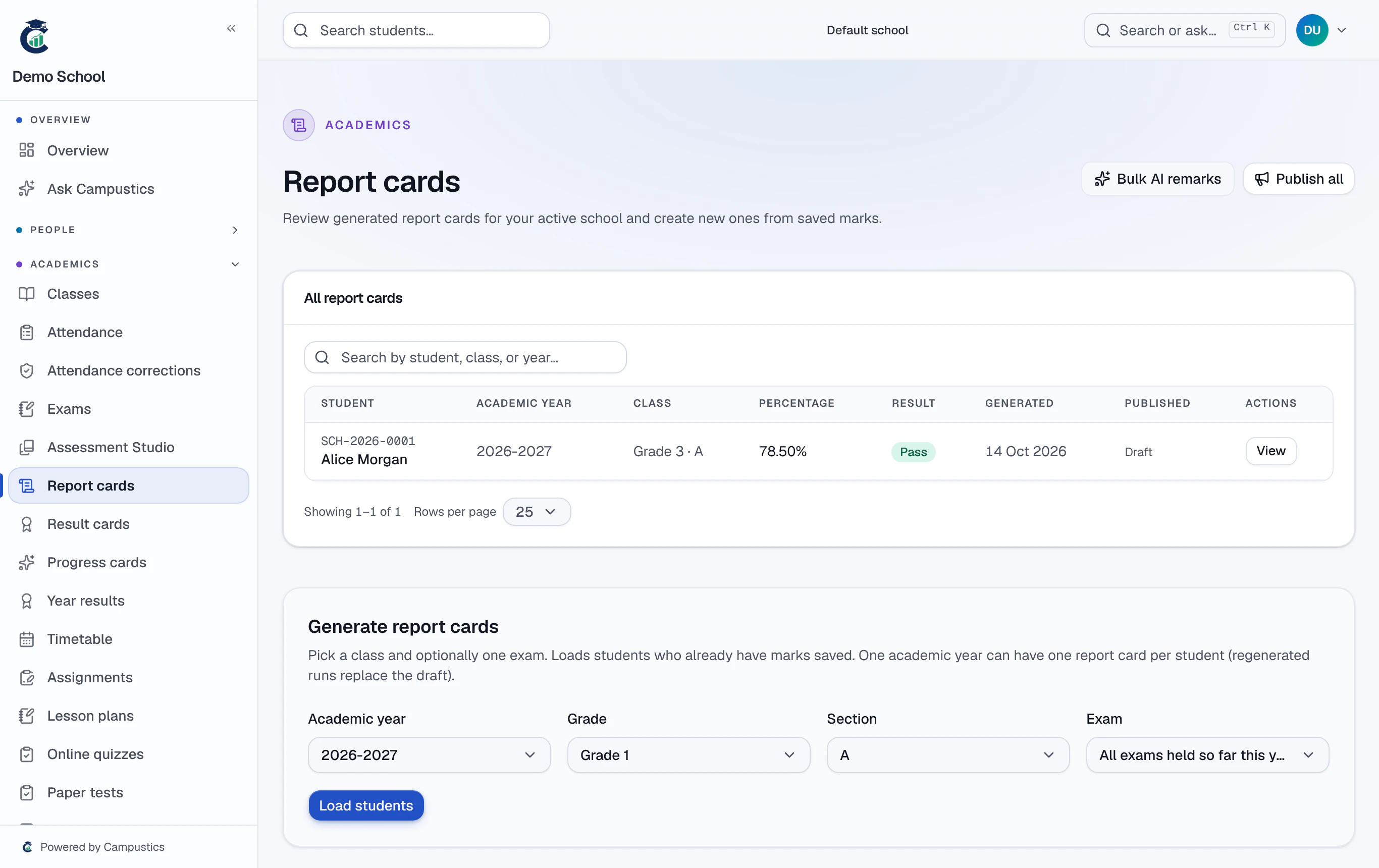
Go to Report cards → Generate and choose the scope. Every matching student gets a report-card row.
- 4
Add remarks (optional)
Open a card to edit remarks inline. The AI suggest button drafts a remark from the marks; 'AI bulk remarks' does the whole class at once.
- 5
Publish
Use Publish on a single card, or 'Publish all' on the list. Publishing notifies the student and their linked parents by SMS and in-app alert.
Grades follow your school's board grading scheme (CBSE, ICSE, Karnataka State, or General), set under Settings → Schools.