

Admin
Add your staff
Add teachers and staff one by one or via CSV, and issue their logins.
3 min
- 1
Add a staff member
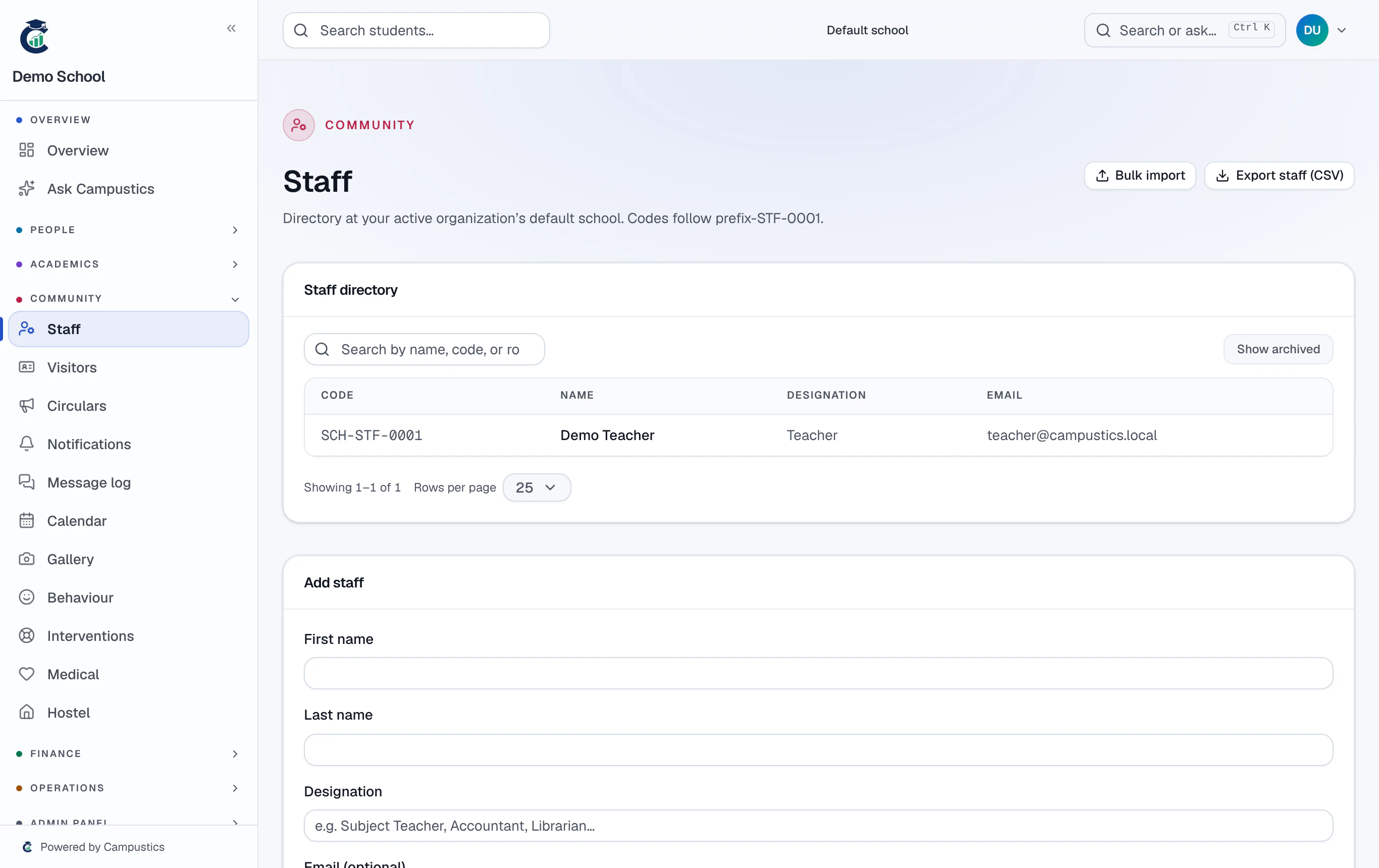
Go to Staff → Add staff and fill in name, email, phone, designation, and date of joining.
- 2
Issue their login
After saving, click Issue login — Campustics generates credentials and emails them. They can sign in immediately as a Teacher (the default role).
For a large school, use Staff → Import CSV to add everyone at once instead of one by one.
- 3
Assign class teachers
Open a class (Classes → Edit) and set its class teacher. This is what lets a teacher take that class's attendance.