

Admin
Run the admin panel
Manage users, custom roles, and the audit log.
3 min
- 1
Manage users
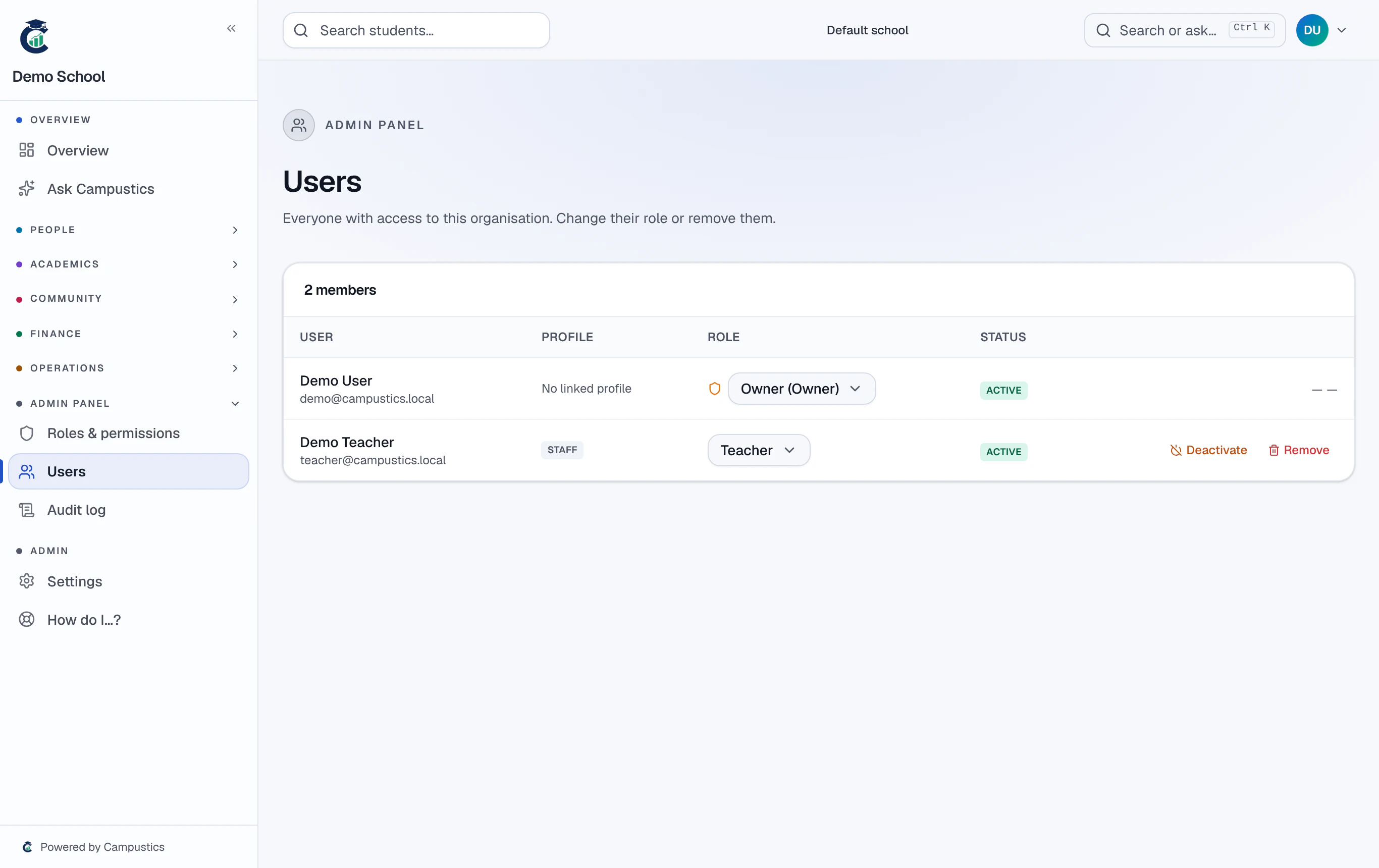
Go to Admin → Users to change a user's role, deactivate or reactivate them, or remove them from the organisation.
- 2
Roles and audit
Admin → Roles manages custom roles and permission grids; Admin → Audit lets you search the audit log by user, module, and date range.
Every change across the app is logged, so the audit trail answers 'who changed what, when'.
- 3
Admins only
The Admin panel is only visible to Owners, platform admins, and anyone explicitly granted the admin permission.