

Admin
Require two-factor for administrators
Make two-factor sign-in compulsory for administrators, principals and accountants, and reset it when someone loses their phone.
3 min
- 1
Turn it on for the school
Go to Settings → Security → Require two-factor sign-in and press Require it. It covers administrators, principals and accountants, and the card shows how many have already set it up.
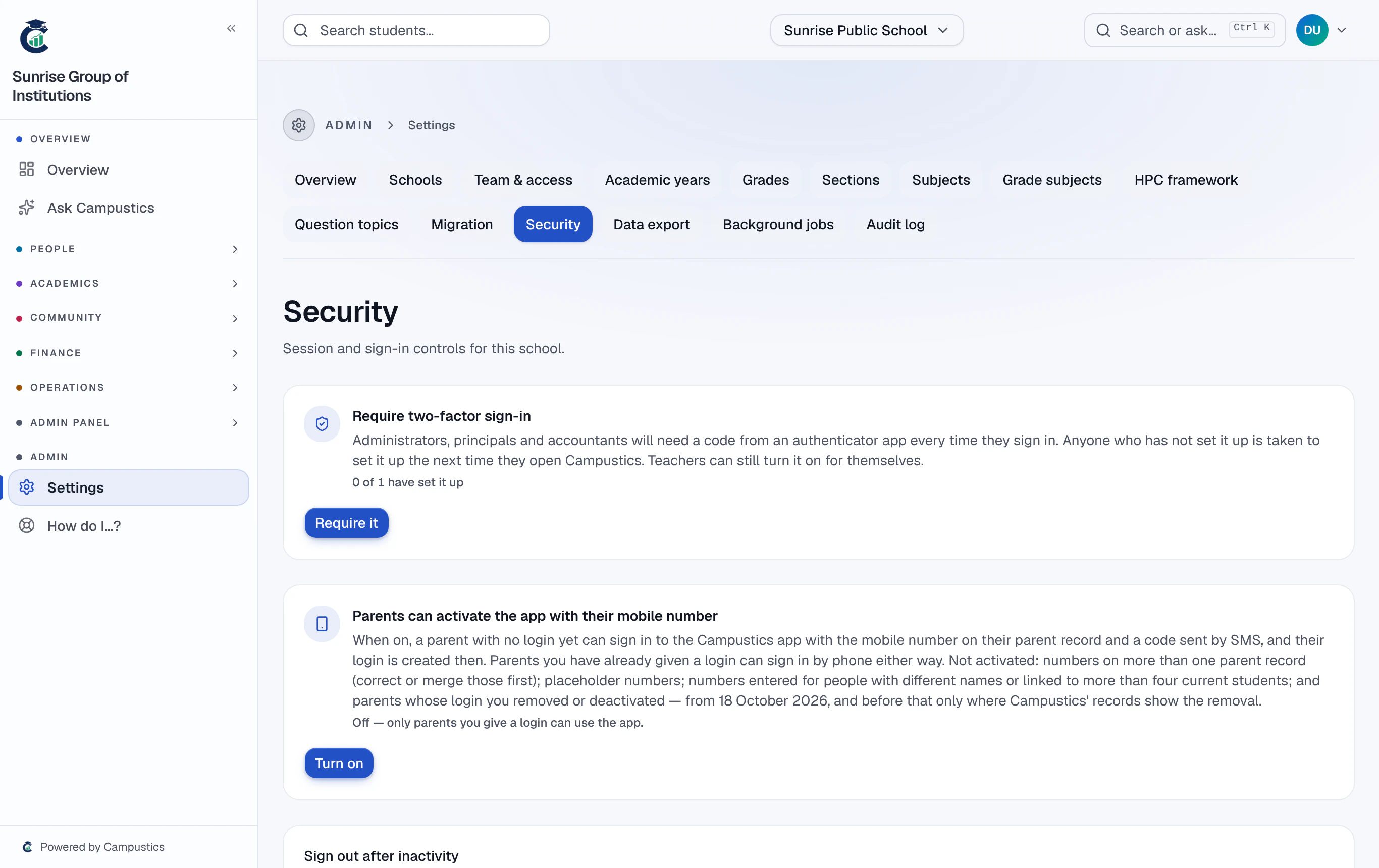
Set up two-factor for yourself first — Account → Two-factor sign-in.
- 2
What happens next
Anyone it covers who hasn't set it up is taken to the set-up the next time they open Campustics, and the mobile app won't let them in until they have. Teachers can still turn it on for themselves.
- 3
Someone lost their phone
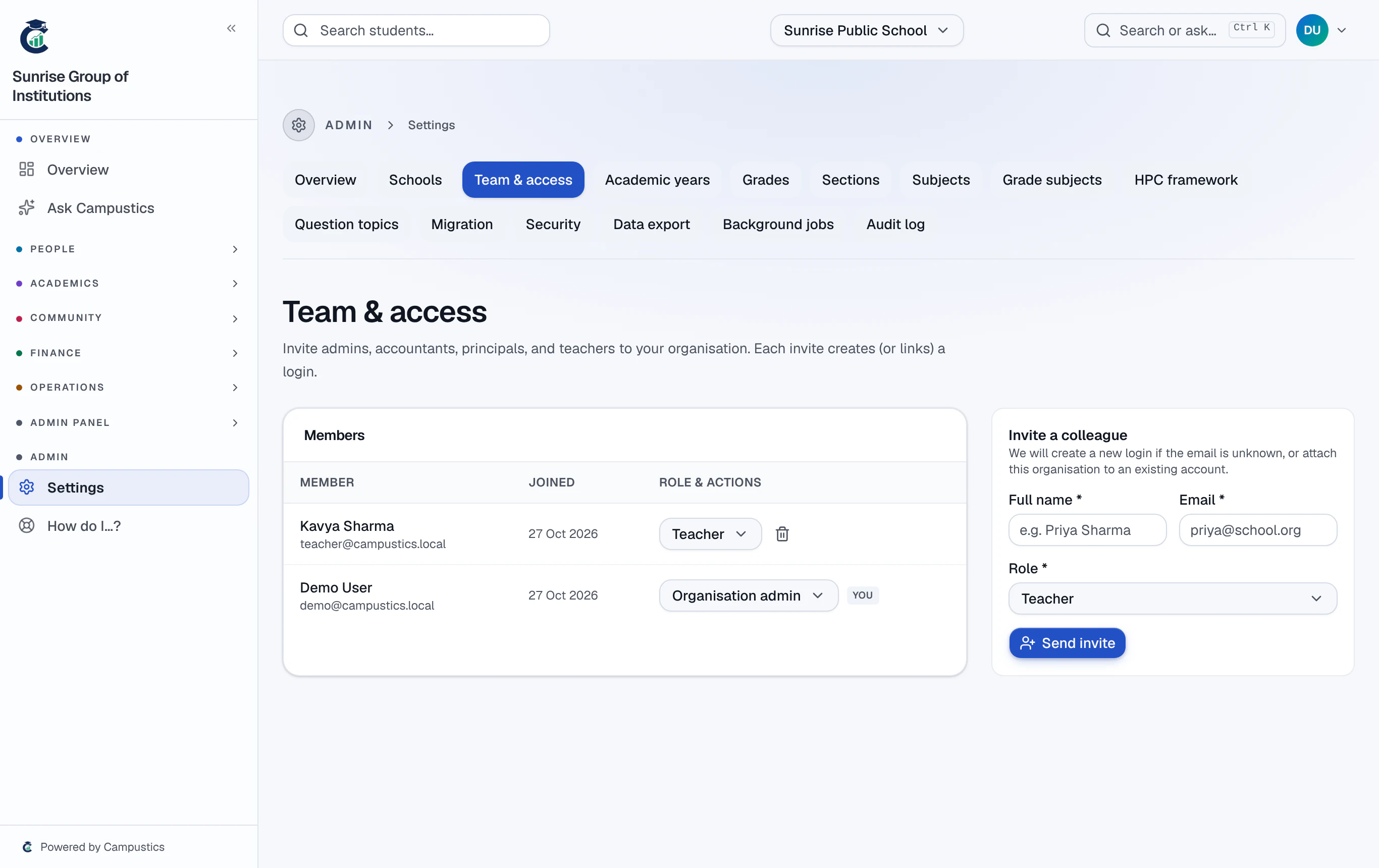
Open Settings → Team and click Reset two-factor under that person's name. They sign in with their password and set it up again.
After ten wrong codes in a day, codes stop working until the next day — the same reset unblocks them.