

Admin
Plan the calendar and share photos
Add holidays and events, and share tagged event photos with parents.
3 min
- 1
Plan the calendar
Go to Calendar and add holidays, events, exam dates, and parent-teacher meets. It drives the dashboard 'Today' widget and auto-marks attendance holidays.
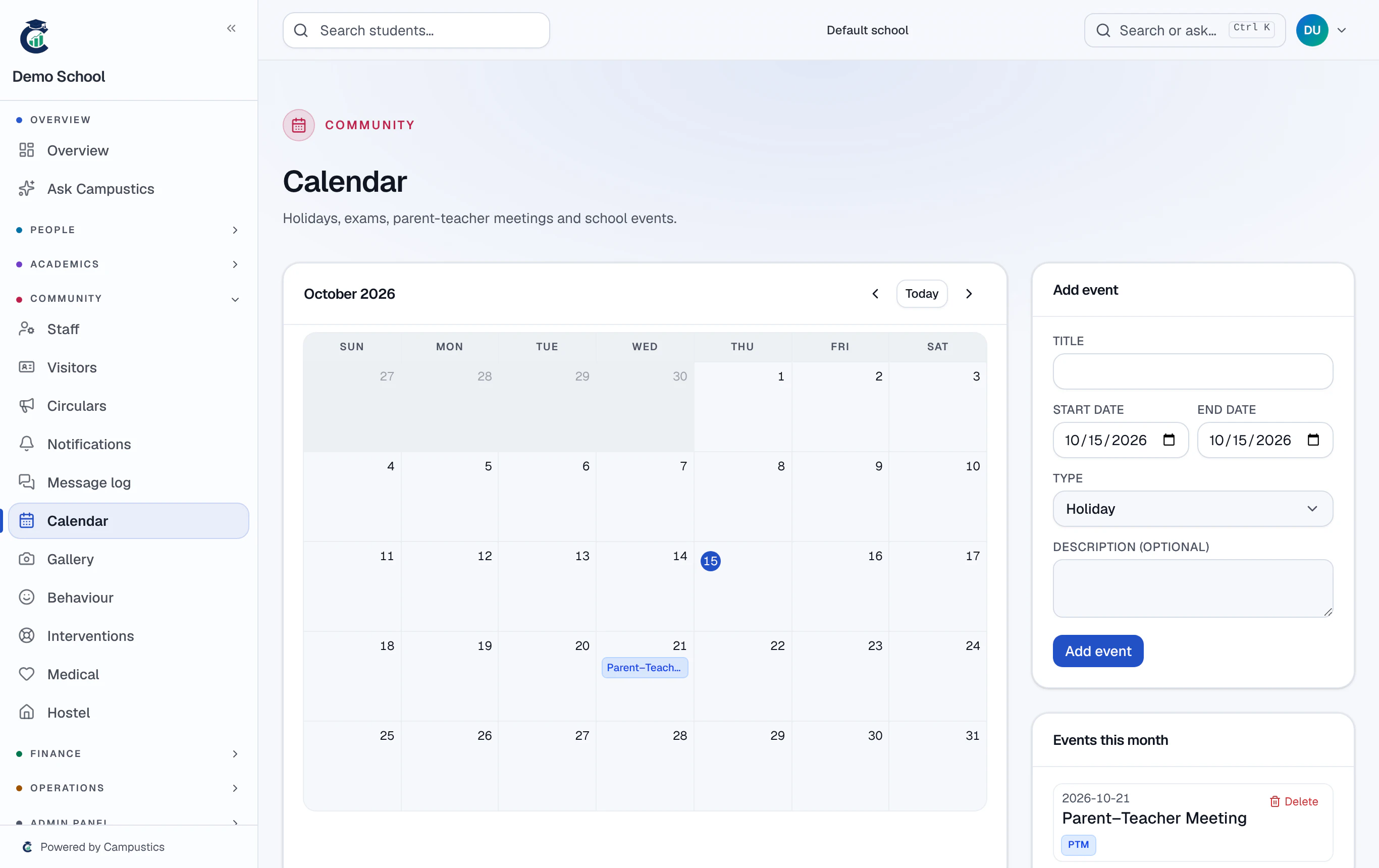
- 2
Share event photos
Under Gallery, upload event photos (auto-resized) and tag them to a grade or section so the right parents see them on their portal.
Tagging keeps photos private to the relevant class, not the whole school.
- 3
Everyone stays in sync
Parents and staff see the calendar and gallery in their portals.