

Anyone
Apply for and approve leave
Staff apply for leave, see balances, and managers approve from a queue.
3 min
- 1
Apply for leave
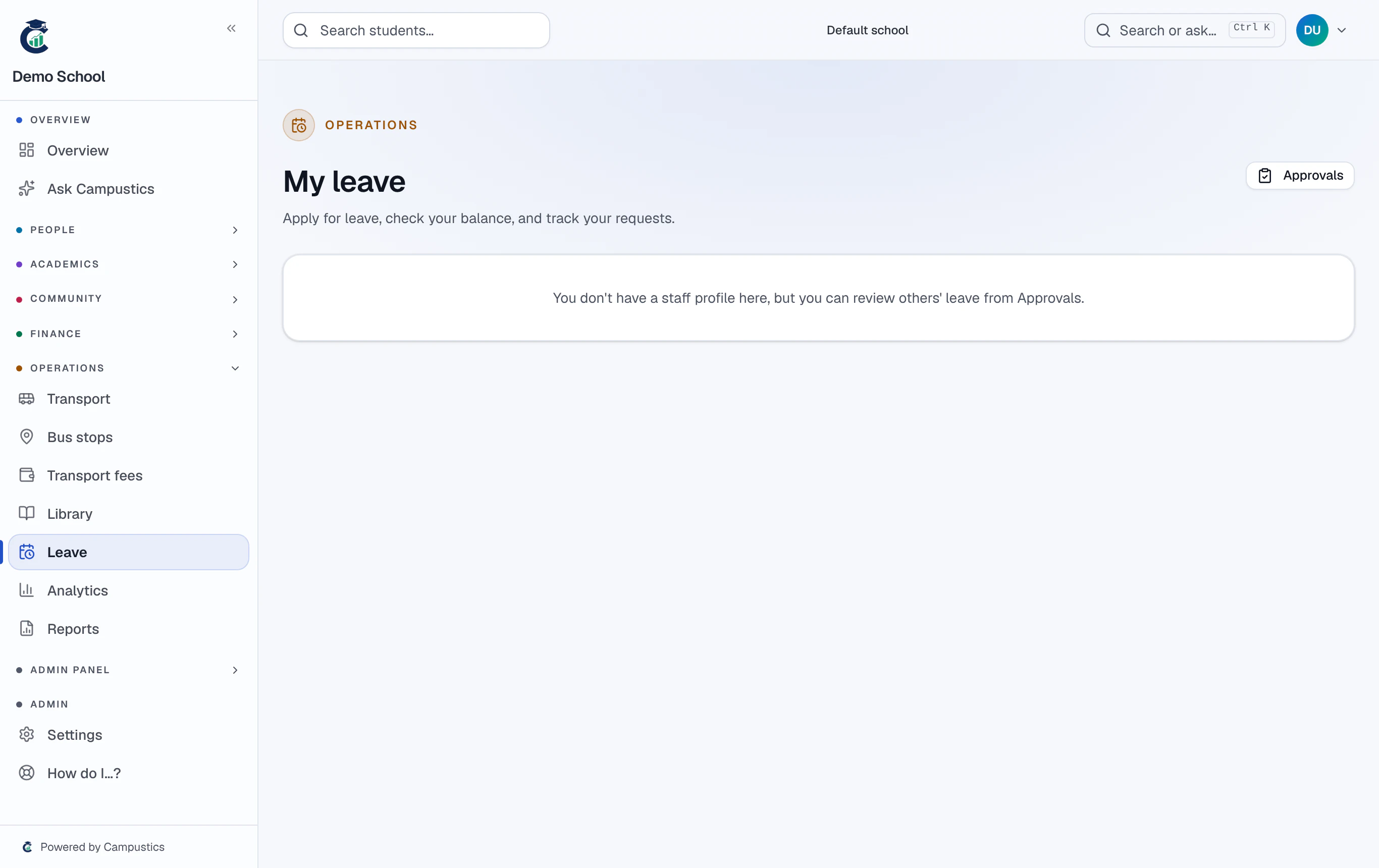
Any staff member opens Leave, applies with dates and a reason, and sees their leave balances.
- 2
Approvers see a queue
Managers get an approvals queue on the same page — approve or reject each request.
Leave types and balances are set under Settings → Leave types.
- 3
Parents apply too
Parents can request leave for their child from their portal, which the school reviews.