

Admin
Send WhatsApp from your school's own number
- 1
Set up WhatsApp Business
In Meta Business Manager you need a WhatsApp Business account with your number registered on the Cloud API, and a permanent access token with messaging permission.
- 2
Get the templates approved
Register Campustics' message templates in your WhatsApp account under the same names — attendance_absent, fee_receipt, fee_reminder and the rest. Until a template is approved, that message is not sent from your number.
If Meta made you use a different name for a template, enter it under Template names in your WhatsApp account once your number is connected.
- 3
Connect it
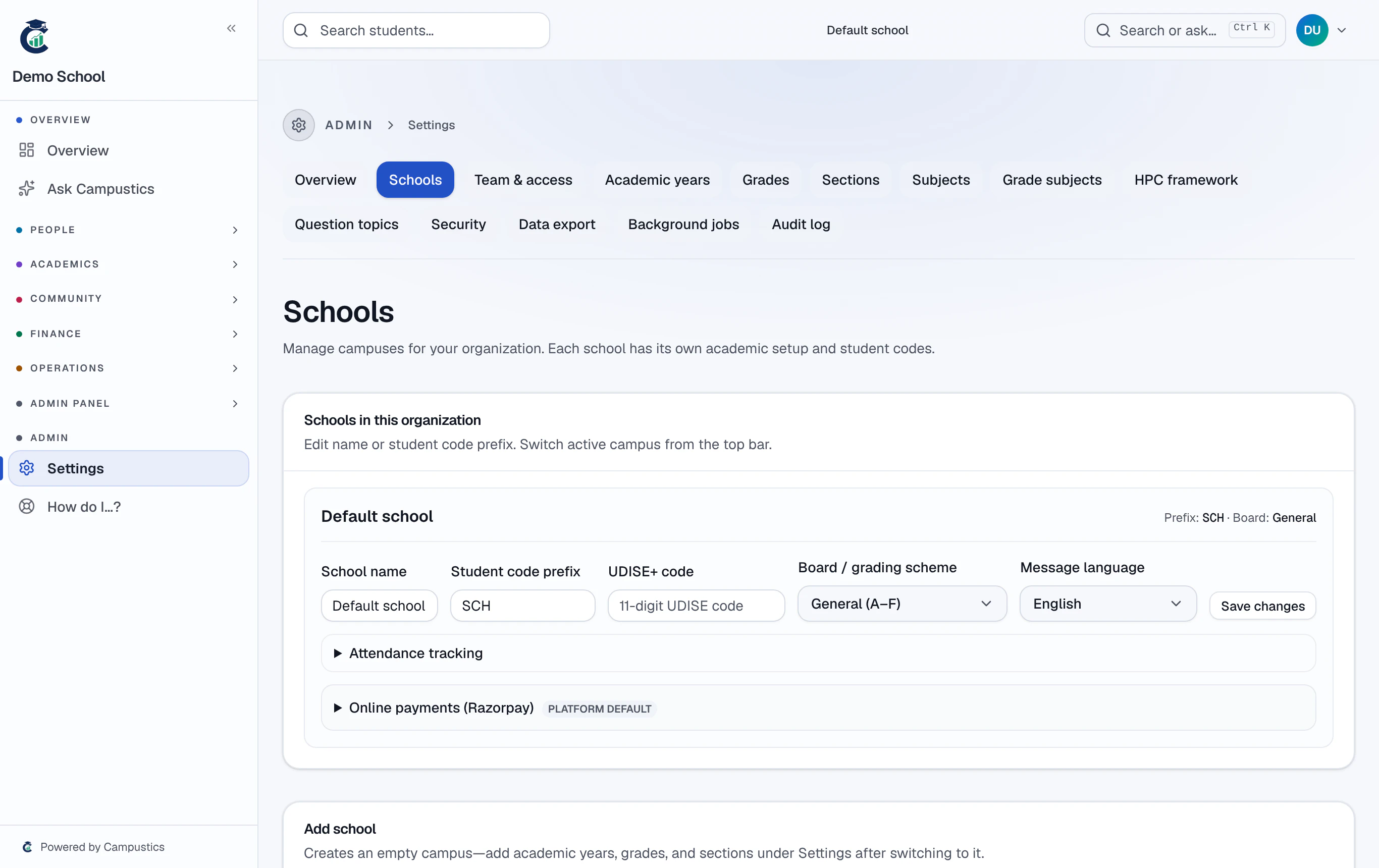
Settings → Schools → your school → WhatsApp from your school's own number: enter the phone number ID, business account ID, access token and app secret, then Save WhatsApp. Campustics checks the token with Meta (nothing is sent) and shows the name parents will see.
- 4
Delivery ticks
For delivered and read ticks in the message log, point your Meta app's webhook at your Campustics address followed by /api/webhooks/whatsapp, subscribed to messages.
Clearing the phone number ID goes back to the Campustics number. Only organisation admins can change this.