

Admin
Send a circular to parents
Broadcast an announcement to everyone, or to a specific audience or class.
2 min
- 1
Open Circulars
Go to Circulars and click New circular.
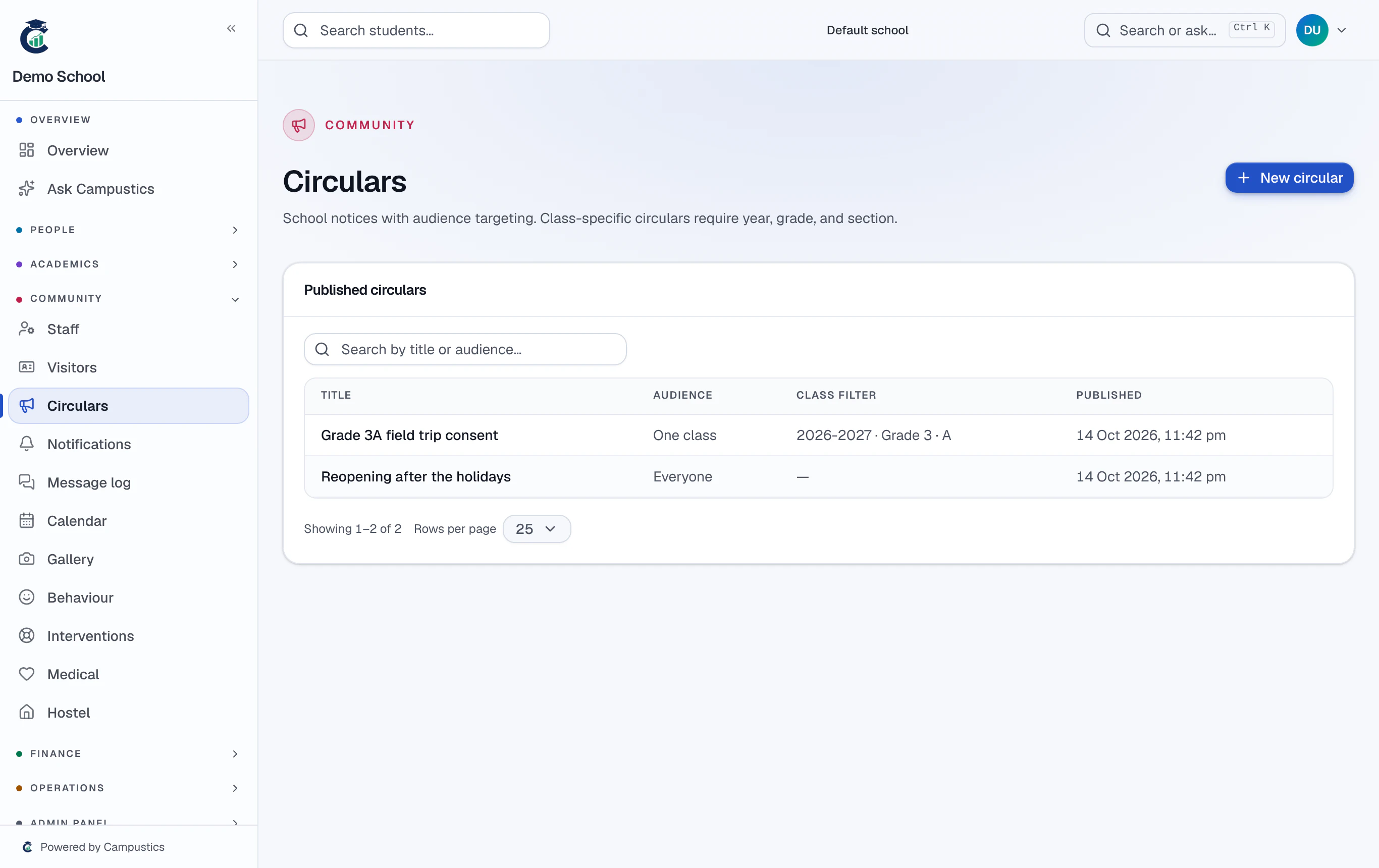
- 2
Choose the audience
Pick who should see it — everyone, parents, students, staff, or a specific class — then write your message.
For homework and day-to-day class notes, use the Diary instead — parents see the latest entry for their child on their portal.
- 3
Publish
Publish the circular. It appears in the recipients' portals and, once SMS is switched on, goes out as a text too.