

Admin
Review attendance corrections
Approve or reject class teachers' requests to amend a past day's attendance.
2 min
- 1
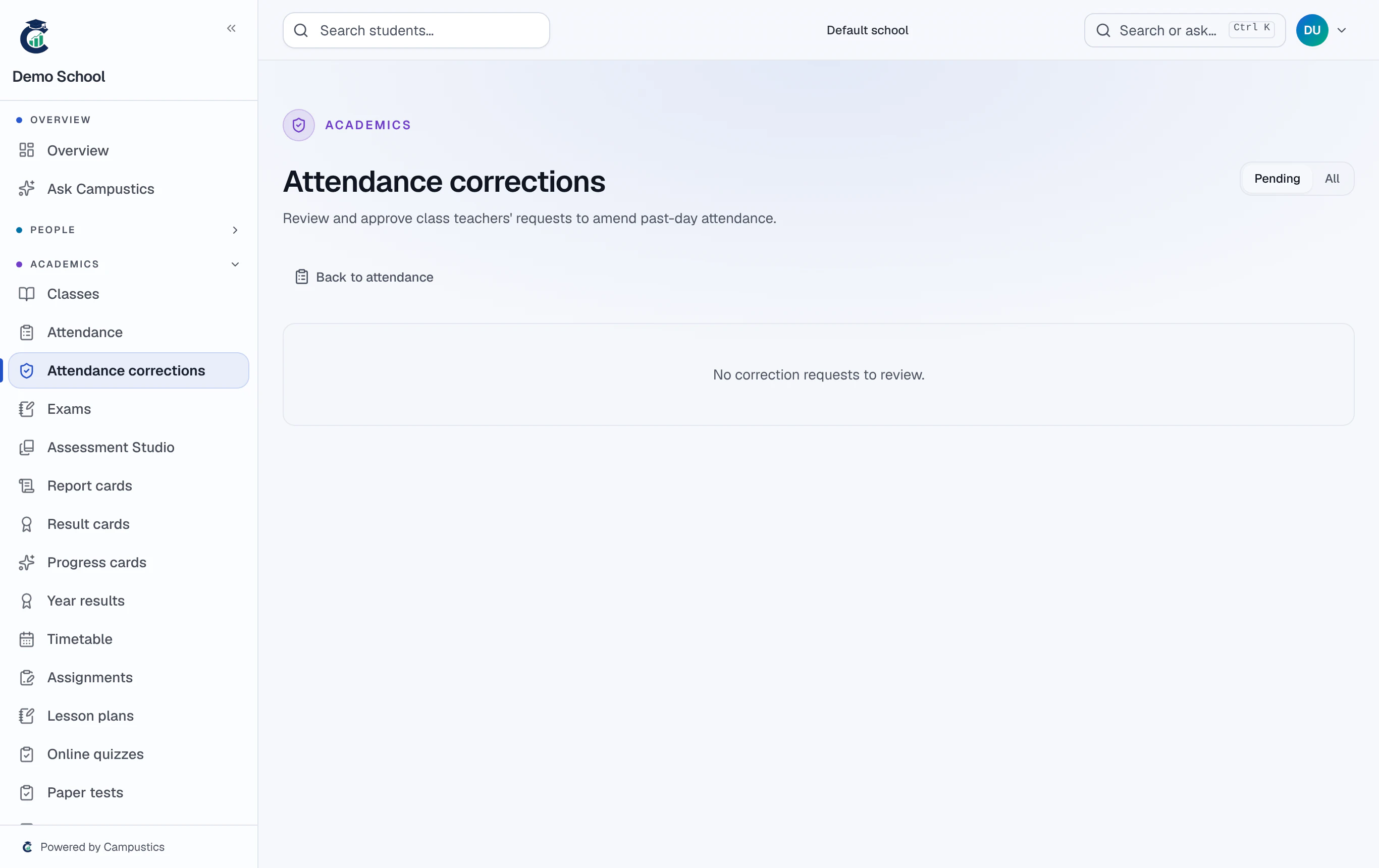
Open the corrections queue
Go to Attendance → Corrections. A badge shows pending requests from class teachers who want to change a past day.
- 2
Approve or reject
Open a request to see the proposed marks and the reason, then Approve to apply them or Reject with an optional note.
Teachers can freely edit today's roll-call; only past days need this approval step.