

Admin
Explore analytics
Drill from the whole organisation down to a single student.
3 min
- 1
Open Analytics
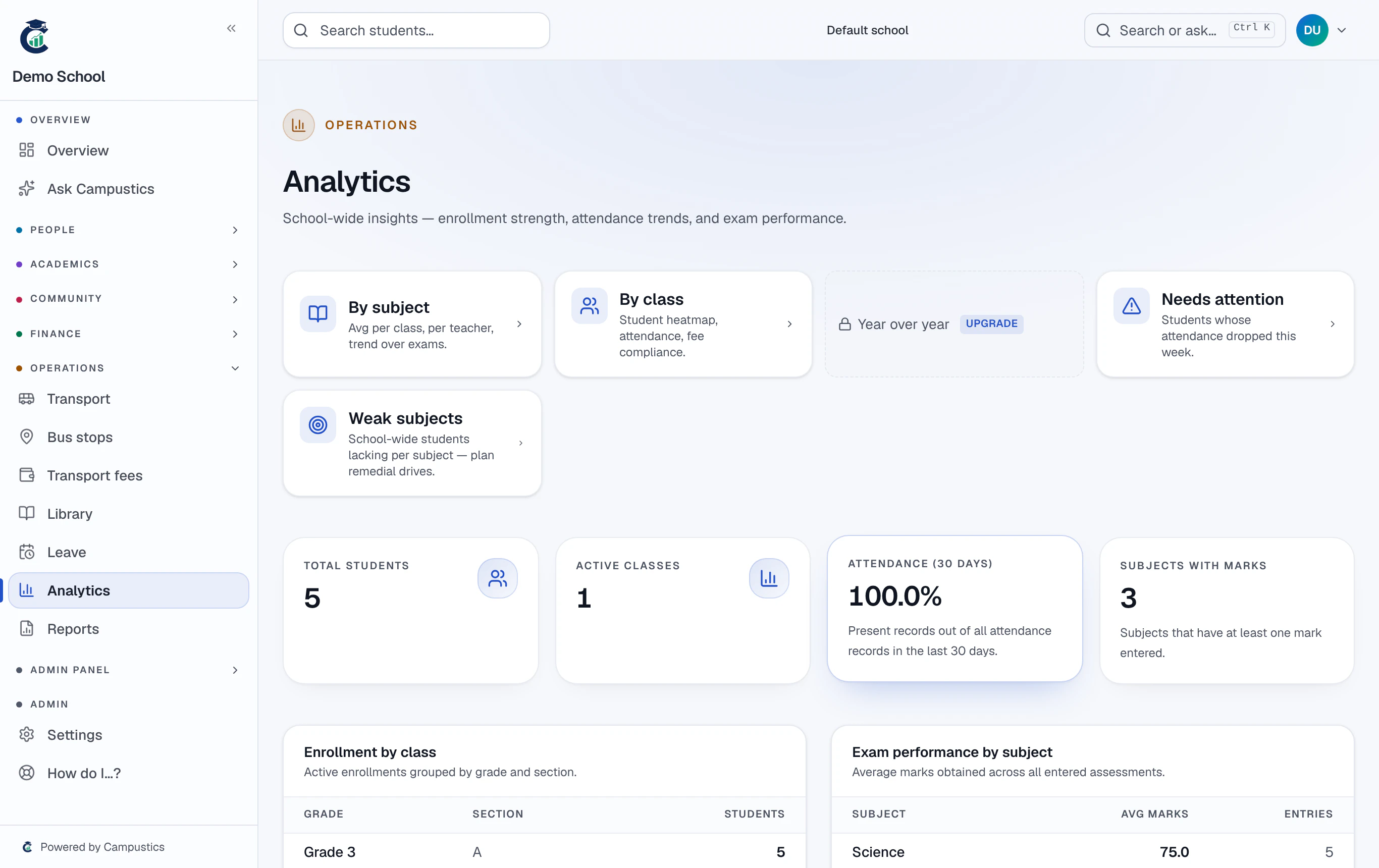
Go to Analytics for dashboards that roll up your whole school (or every campus).
- 2
Drill in
Move from organisation → school → subject → class → student to see attendance %, pass %, subject averages, and year-over-year trends.
A weak-subject flag on each student's profile points to where they need help.